Birthday
A birthday invitation that collects the RSVPs — and then the photos
A first birthday, a fifth-birthday bash at the play center or a big 40th with friends — you send one link on WhatsApp. Guests see the time and the map, RSVP by name, and on the day the same link gathers every photo and video. No app, no account.
$55 for the whole party — one payment, no subscription.
Designing and previewing cost nothing. You only pay when you're ready to send the link to your guests.
Pay once, no subscription. We don't count photos or videos.
Lily
May 16, 2027
30,000+
guest photos and videos already collected on our pages
In original quality, with no app and no guest accounts.
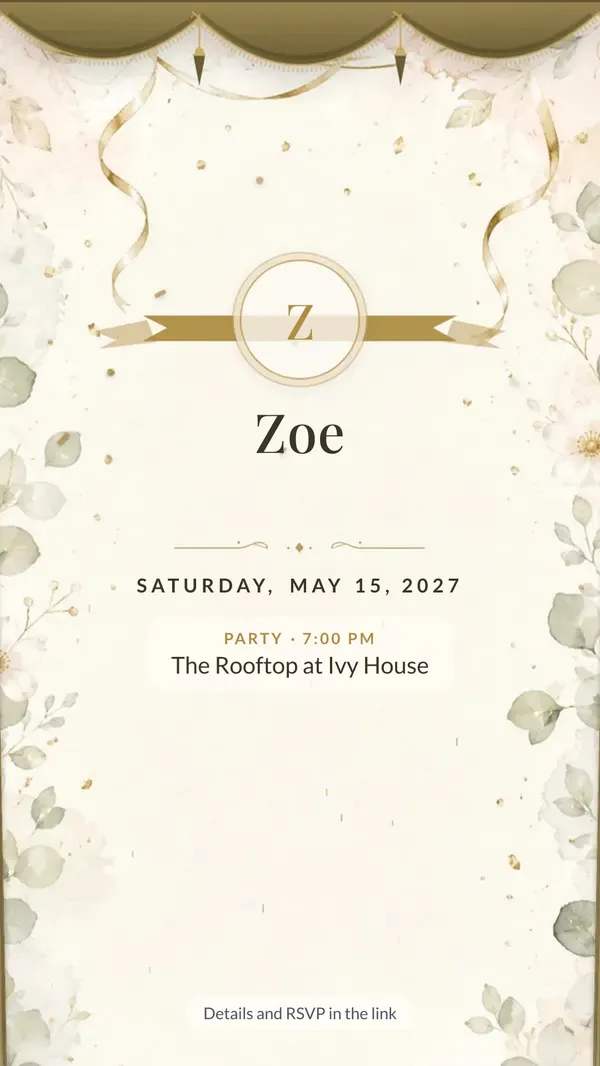
This is how it arrives on WhatsApp
An image with every detail, and the link right below it. Family see the invitation straight away in the chat and RSVP with one tap.
- A ready image to send in the chat
- A link with RSVP and directions
- From the day of the celebration the same link collects photos and recorded wishes
Please RSVP here 👇
myweddingmemories.org/i/…
6:42 PM
Themes for every birthday
Each theme has its own watercolor illustrations, and you can switch at any time — the link and QR code stay the same. For kids there are themes with no glasses in sight: bows, butterflies, gaming, disco ball, Y2K, ballroom and festival. The rest, from Gatsby to casino night, suit a 30th, 40th or 50th.
- Guests open it like the real thing — curtain, cover or envelope
- Illustrations reveal themselves as you scroll
- RSVP in a single tap
17 themes
- Envelope
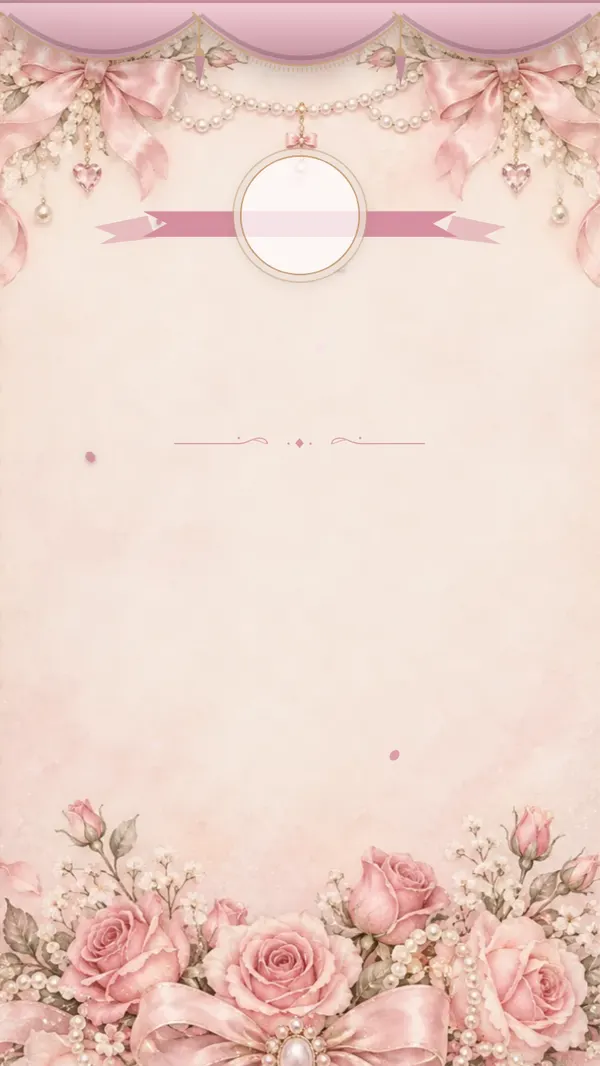
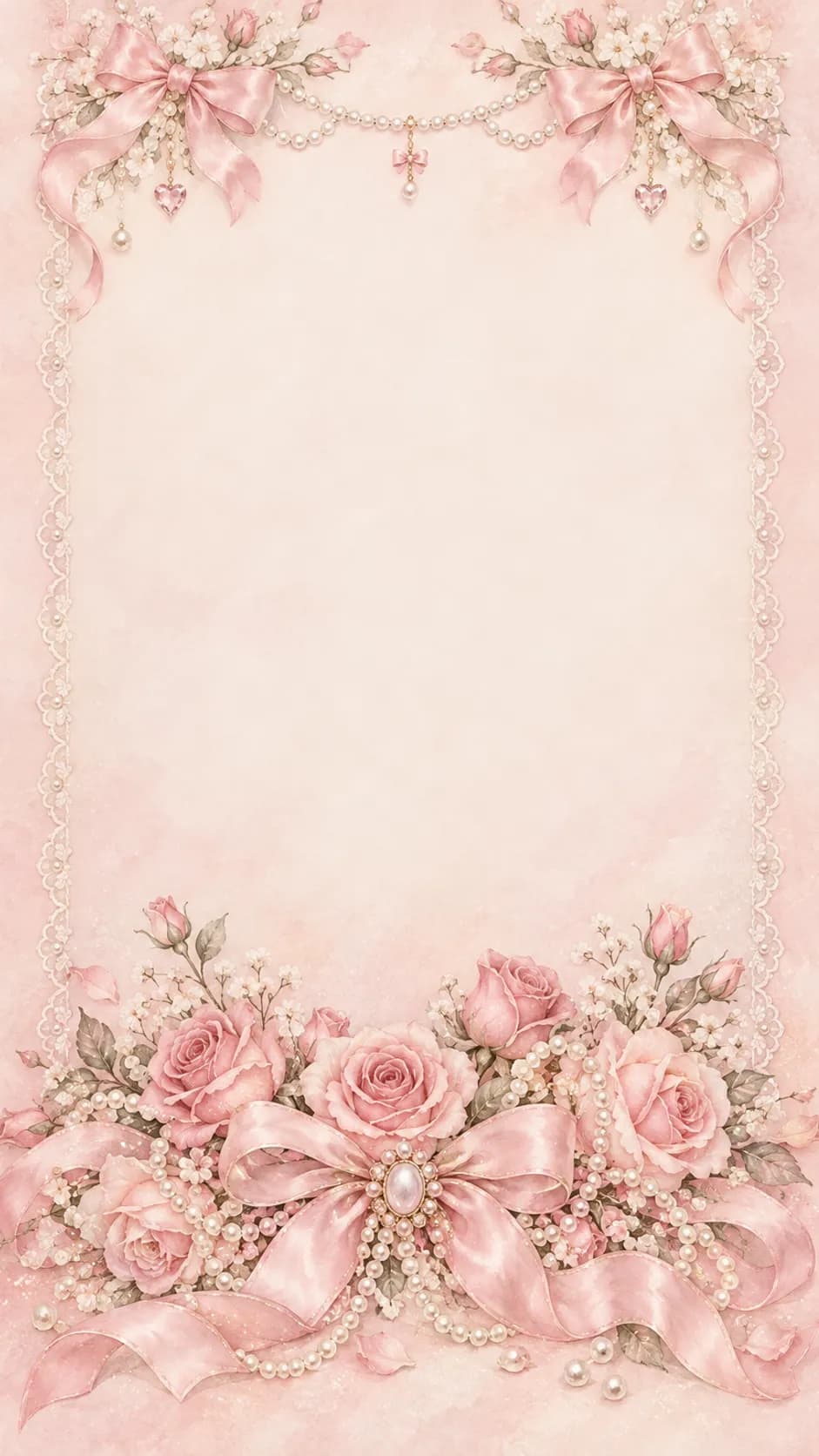
Bows & pearls
Satin bows, pearls and lace in powder pink. Sweet and girly.
View demo - Curtain & seal
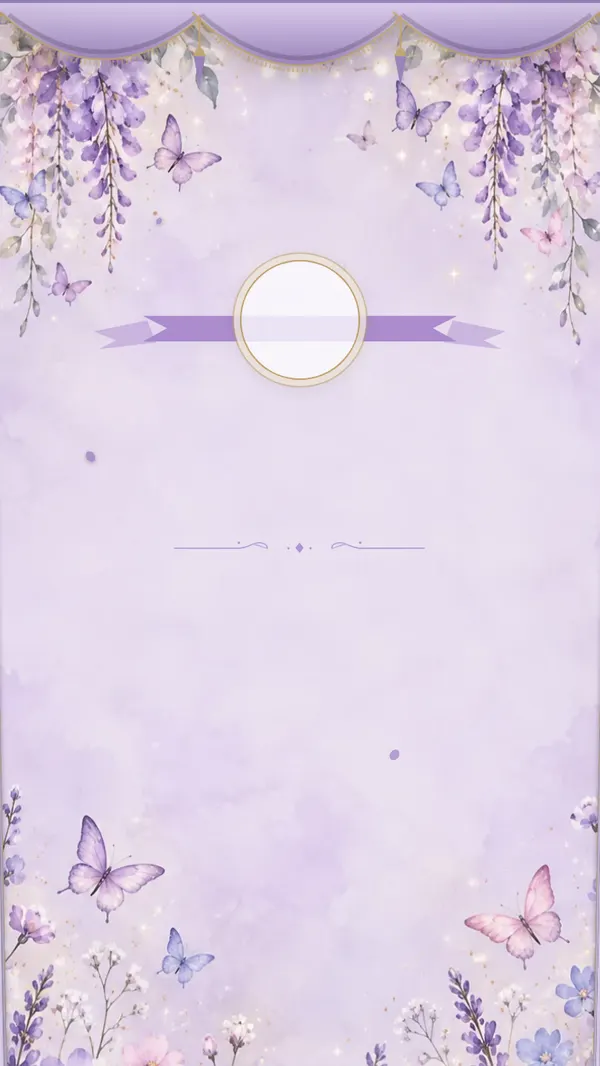
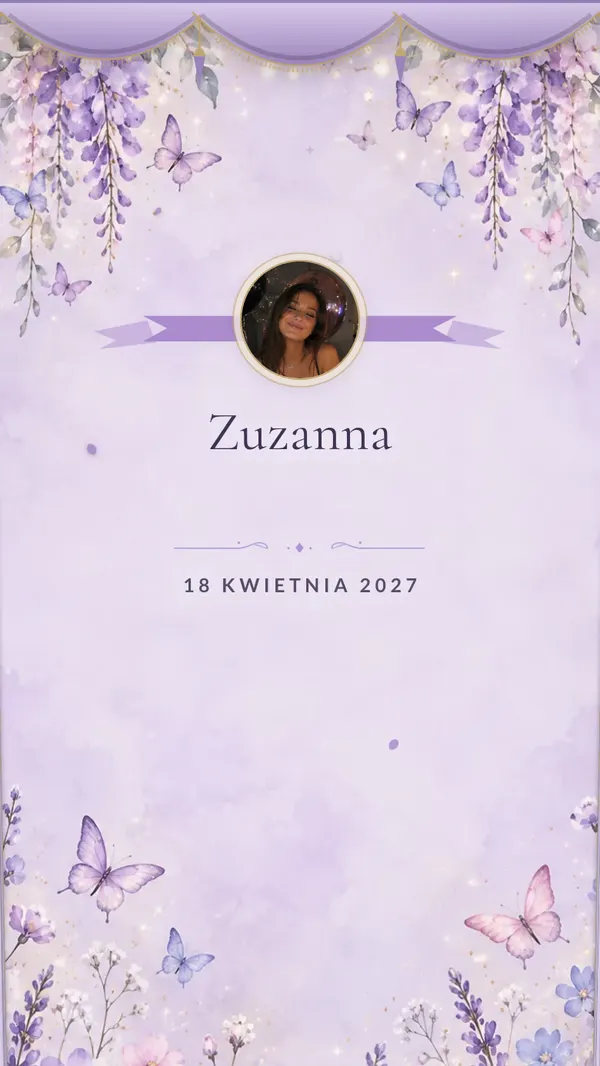
Butterfly garden
Pastel butterflies, wisteria and fairy lights. A storybook garden in lilac.
View demo - Curtain & seal
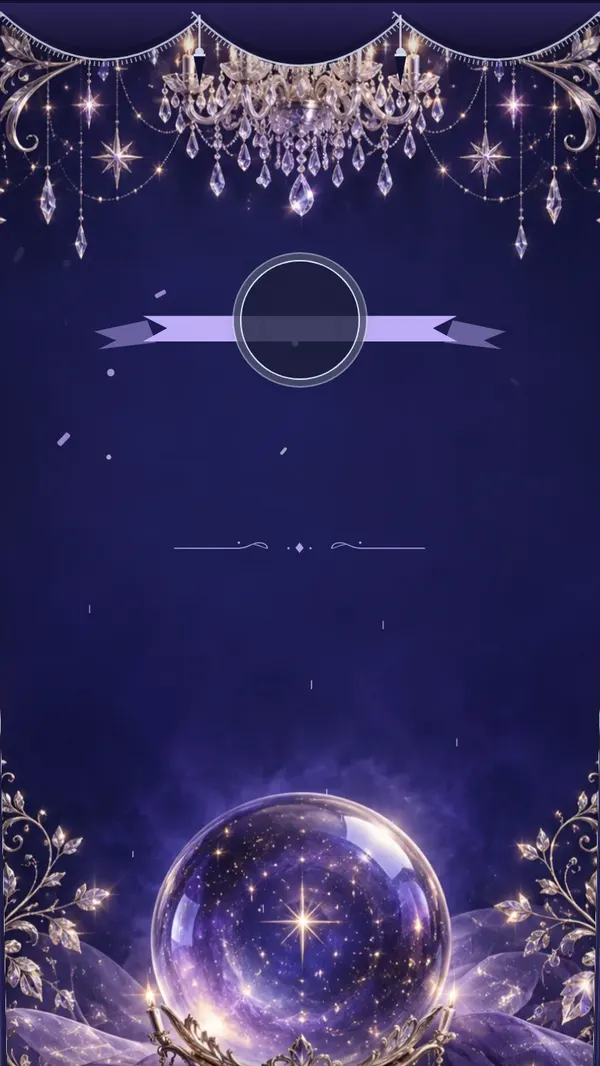
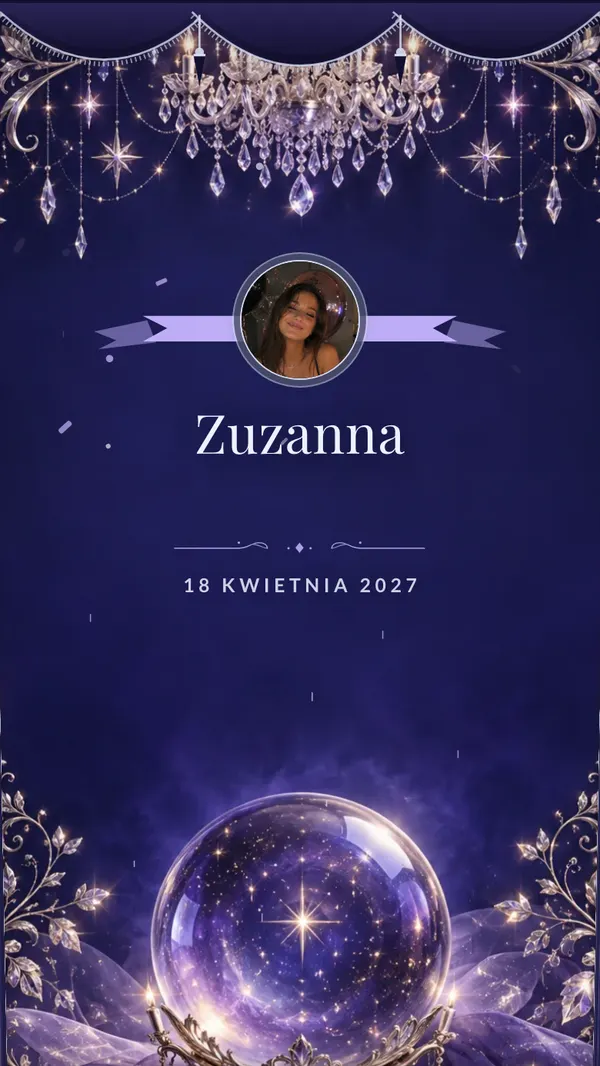
Crystal ballroom
A crystal chandelier, a tiara and silver stars on a midnight sky. Like a fairy-tale ball.
View demo - Curtain & seal
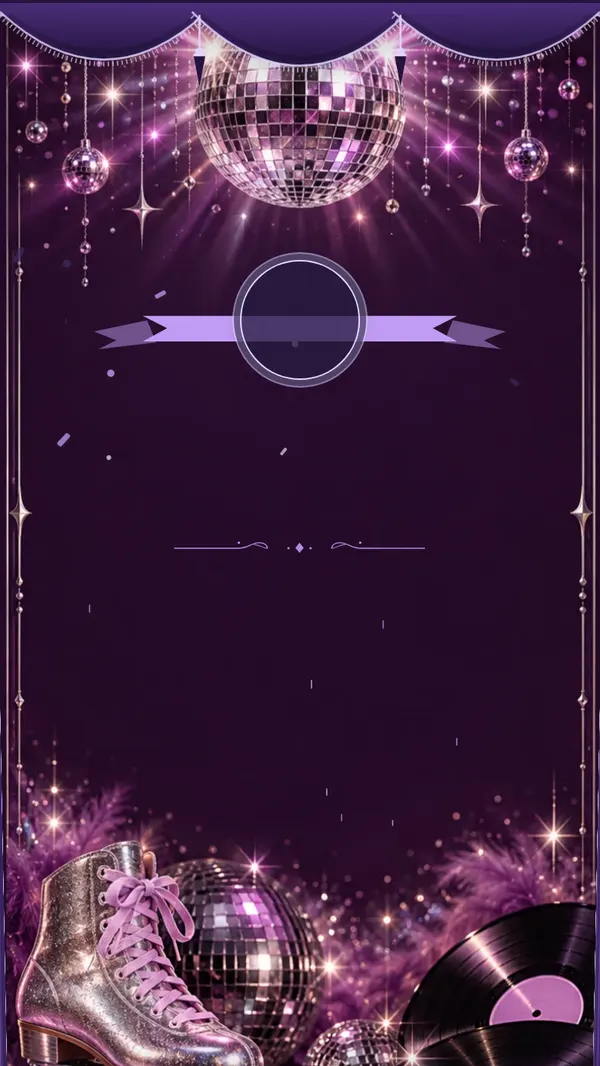
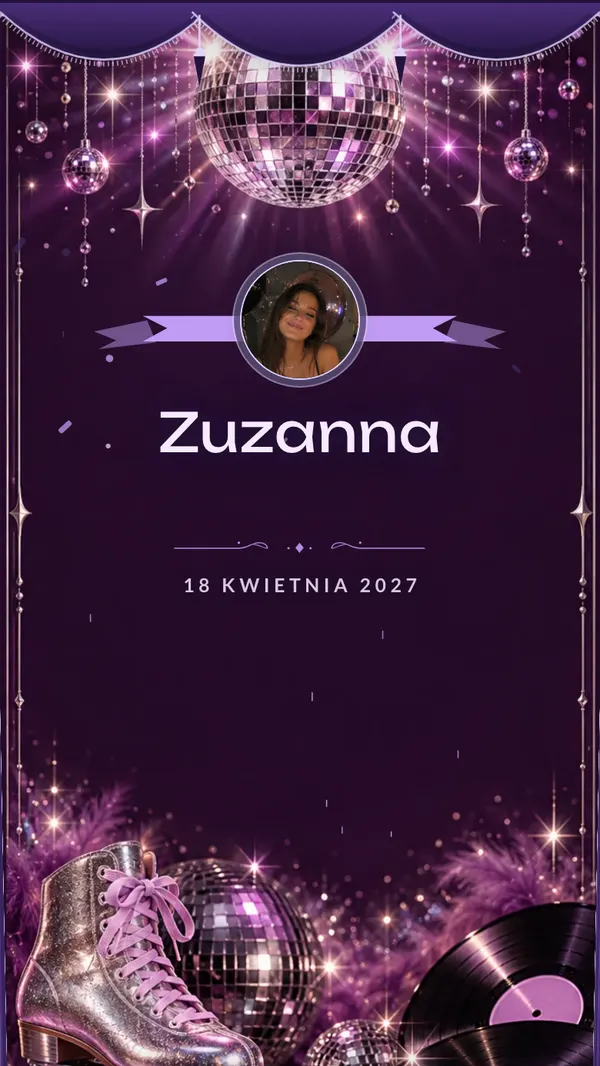
Disco
A silver disco ball, lilac lights, roller skates and vinyl. Dancey and glass-free, so it suits kids too.
View demo - Curtain & seal
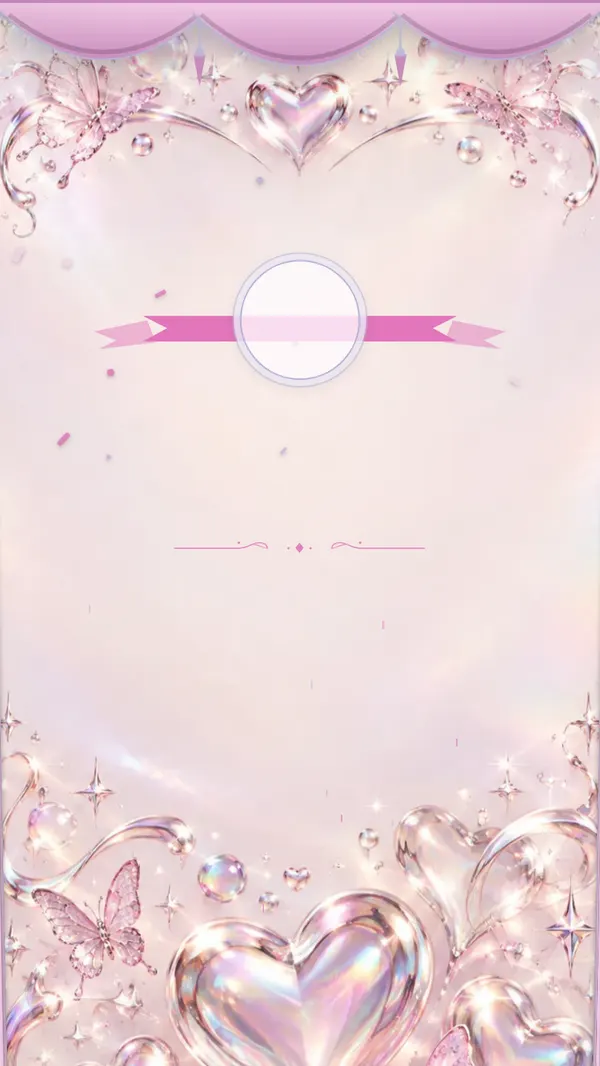
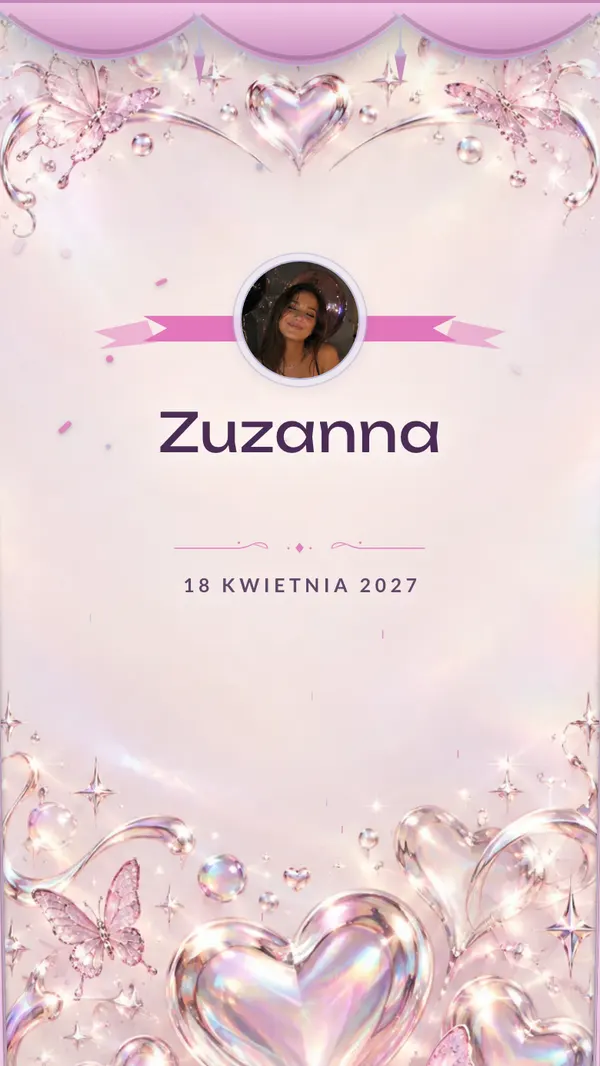
Y2K
Holographic chrome, pink butterflies and glossy hearts. The 2000s in a nutshell.
View demo - Curtain & seal
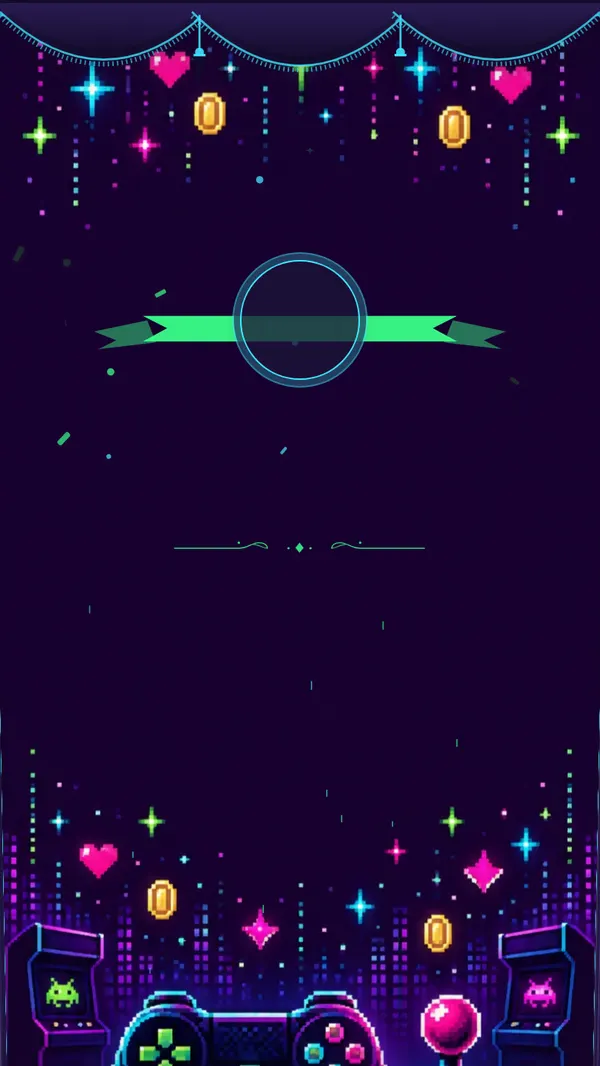
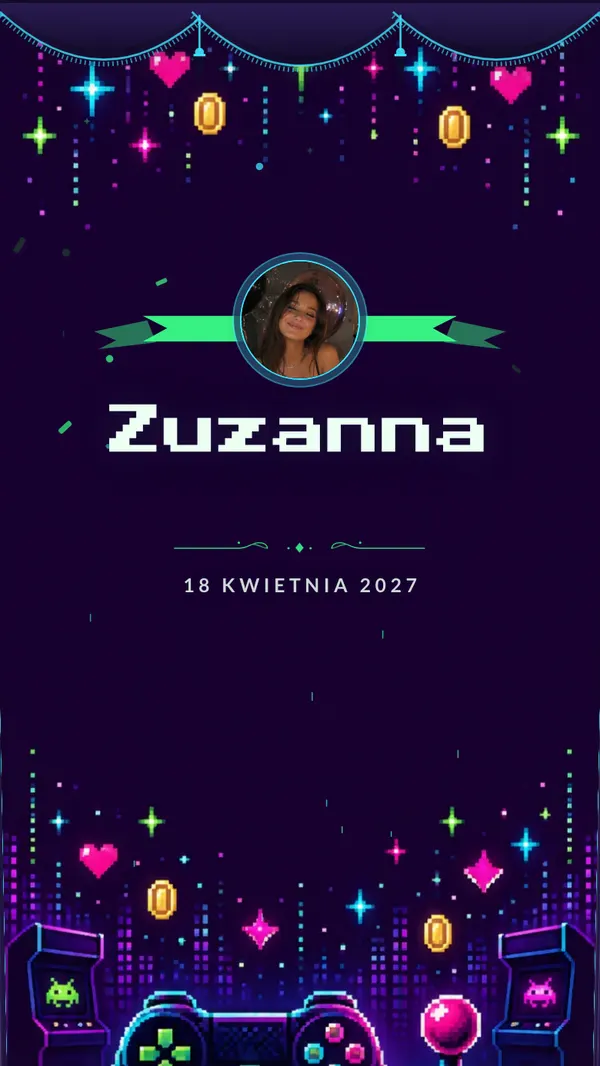
Level up
Pixel art, a neon controller and arcade coins. Next level unlocked.
View demo - Curtain & seal
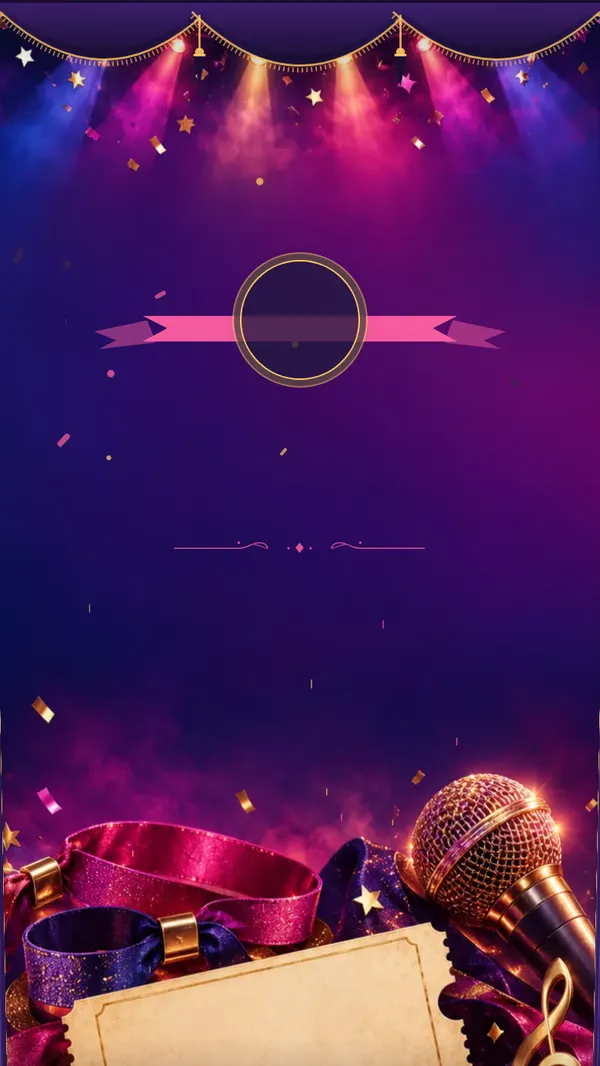
Festival
Stage lights, confetti, a ticket and a microphone. Front-row festival energy.
View demo - Curtain & seal
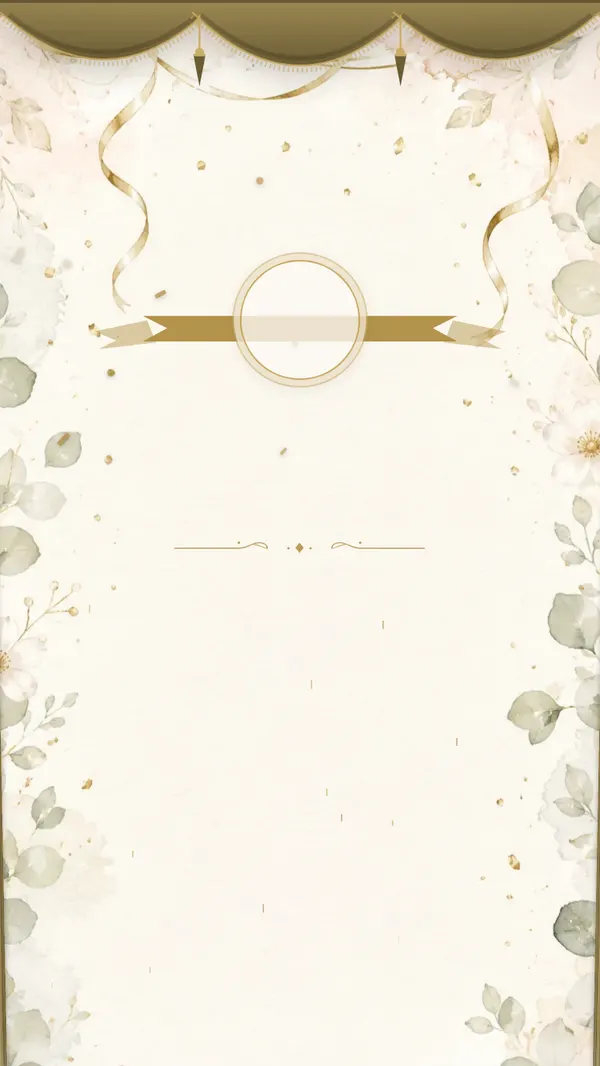
Elegant evening
Gold ribbons and eucalyptus on cream paper. A classic for an elegant milestone birthday.
View demo - Curtain & seal
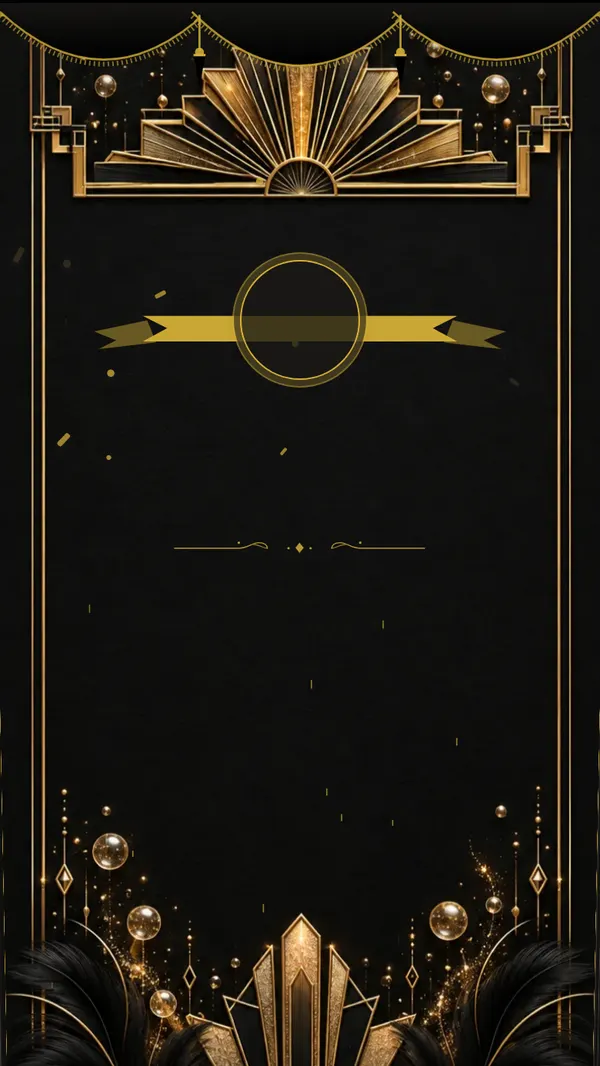
Gatsby
Art deco in black and gold: fans, champagne and feathers, opening with a velvet curtain.
View demo - Curtain & seal

Hollywood
A red carpet, golden stars and spotlights. An entrance worthy of a premiere.
View demo - Curtain & seal
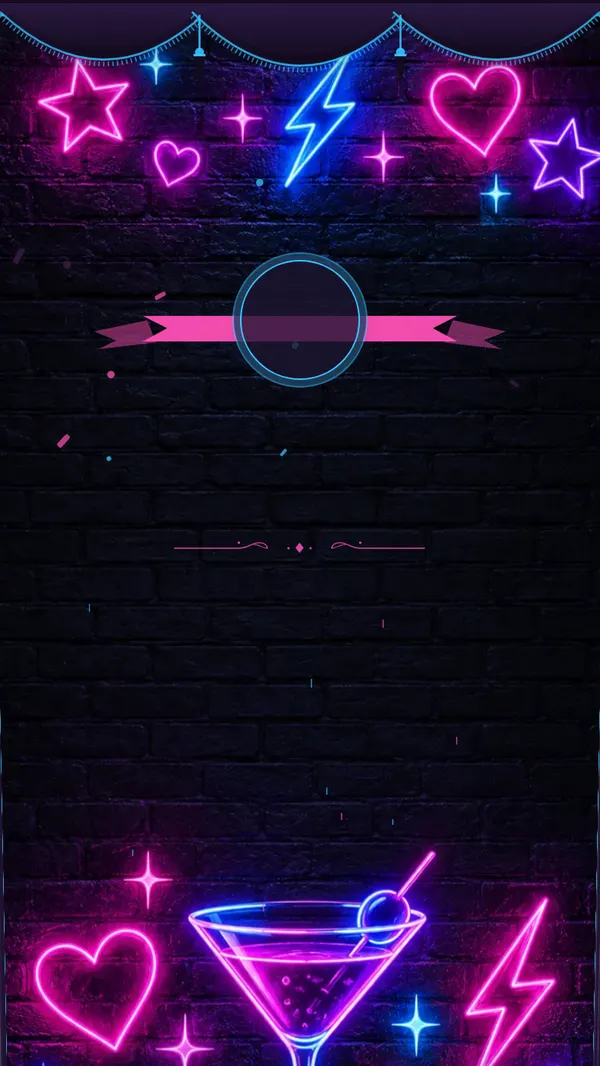
Neon
Neon stars, a cocktail and lightning bolts on a brick wall. Club vibes on your phone.
View demo - Linen cover
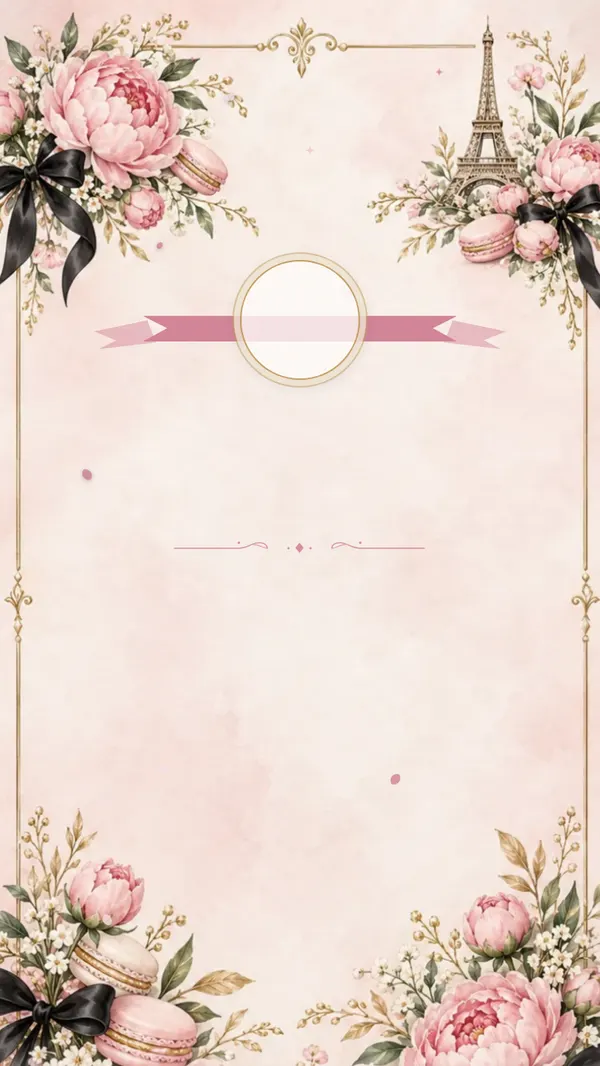
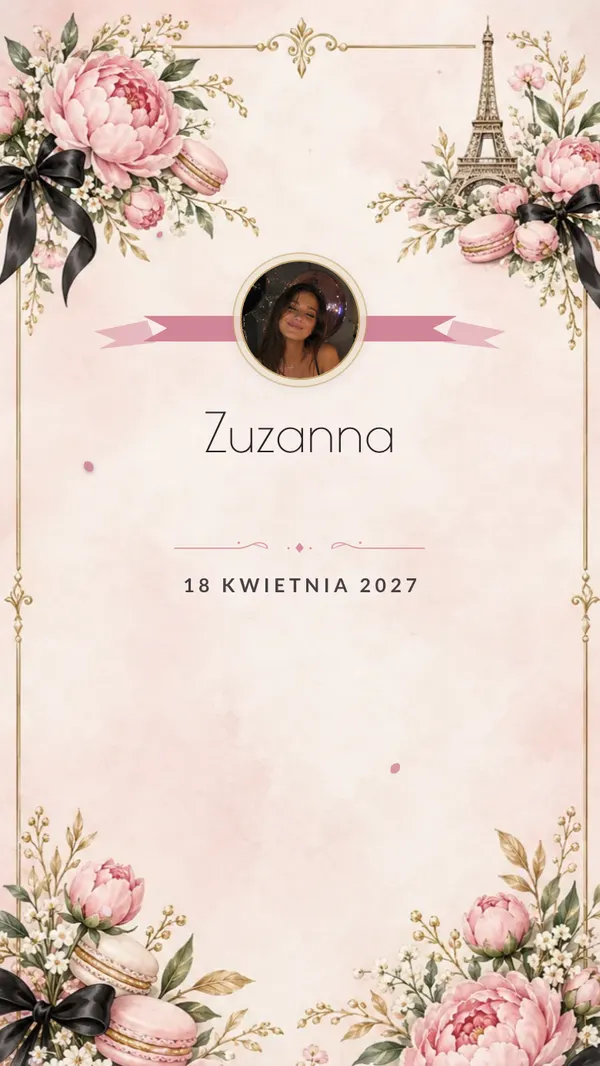
Parisian chic
The Eiffel Tower, peonies, macarons and black bows. Parisian chic.
View demo - Curtain & seal
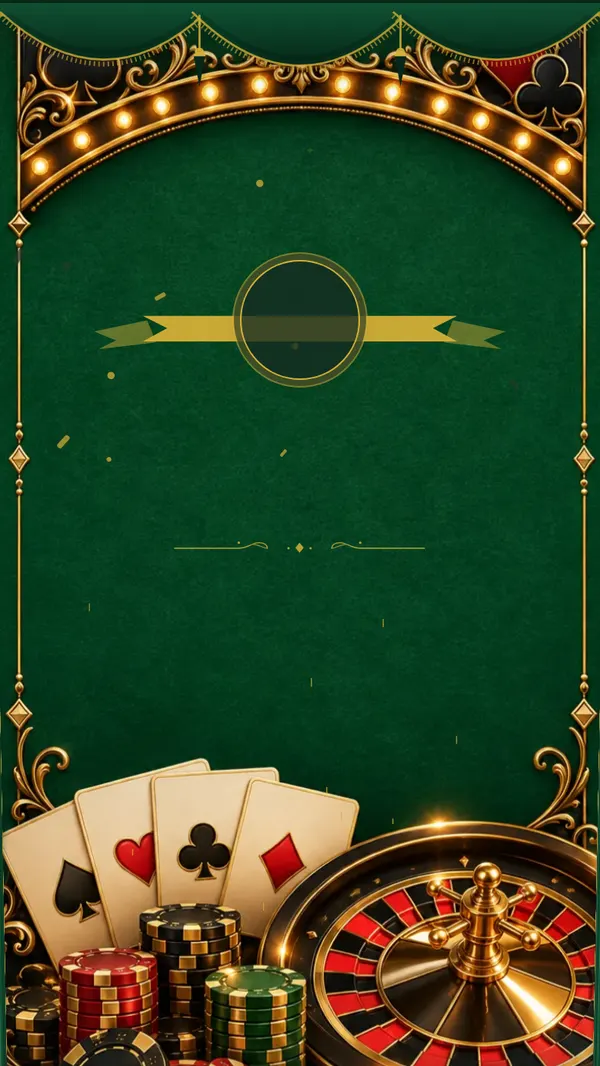
Casino night
Green felt, cards, chips and a golden roulette wheel. A night in Las Vegas.
View demo - Curtain & seal
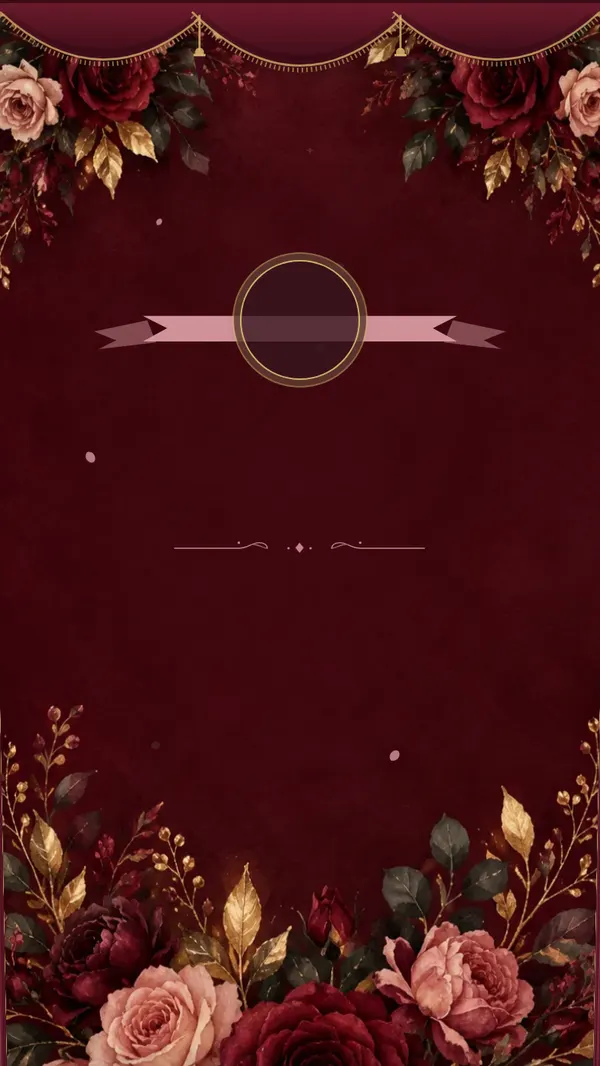
Burgundy roses
Burgundy and blush roses with gold leaves by candlelight. Romantic and classy.
View demo - Curtain & seal
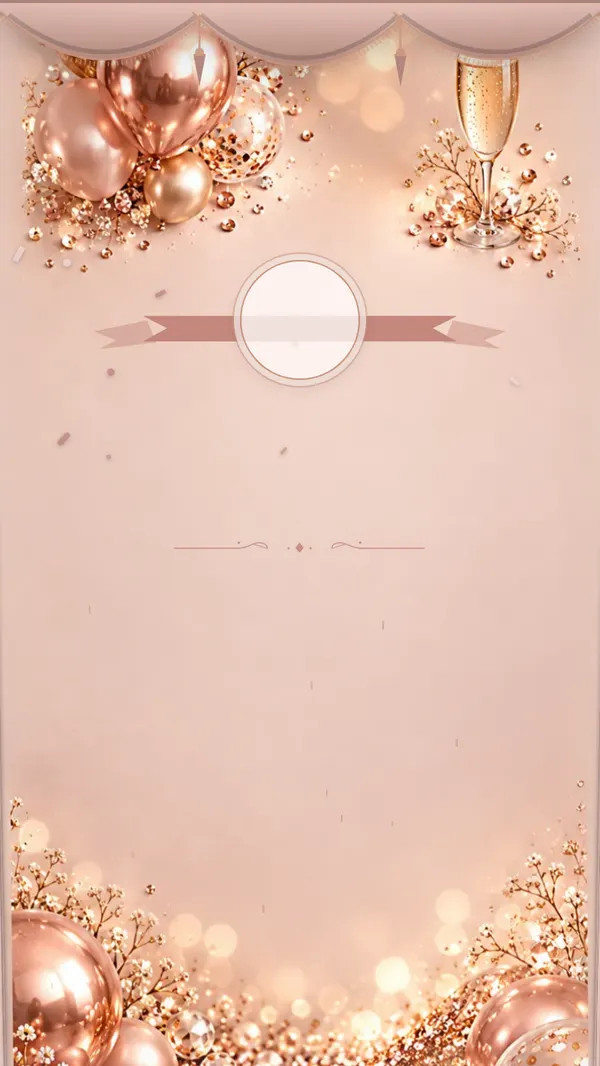
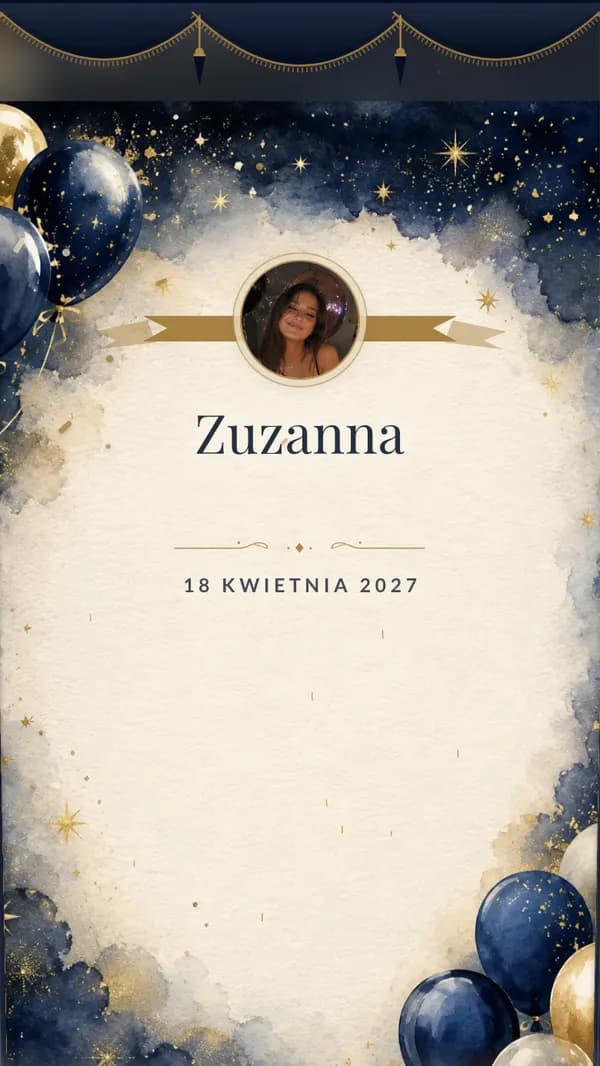
Glamour
Rose gold, sequins, balloons and champagne. Plenty of sparkle for a grown-up party.
View demo - Curtain & seal
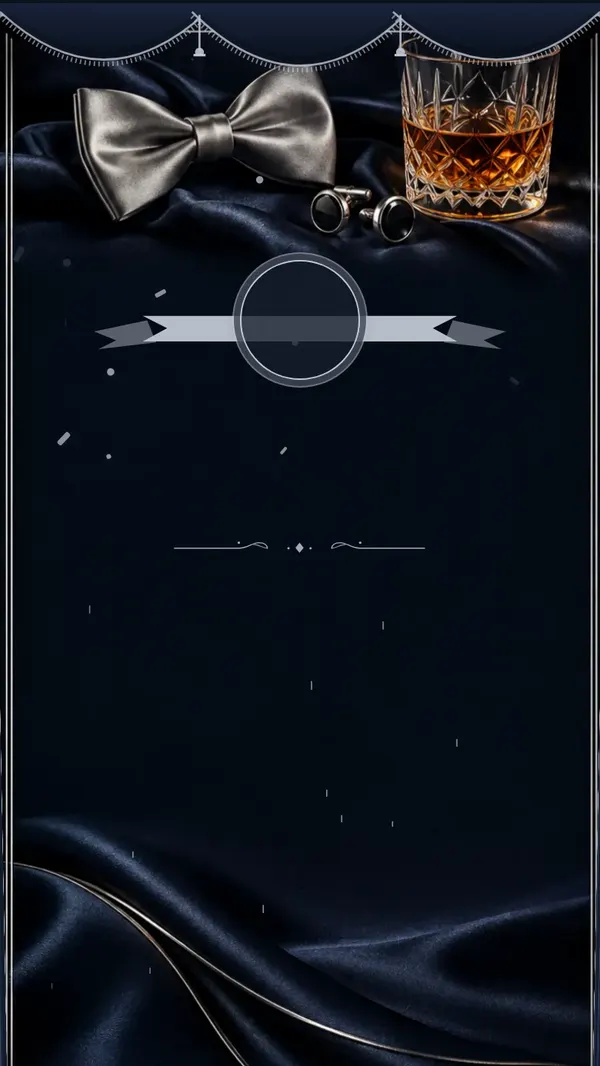
Black tie
Midnight satin, silver, a bow tie and cufflinks. A black-tie evening.
View demo - Curtain & seal
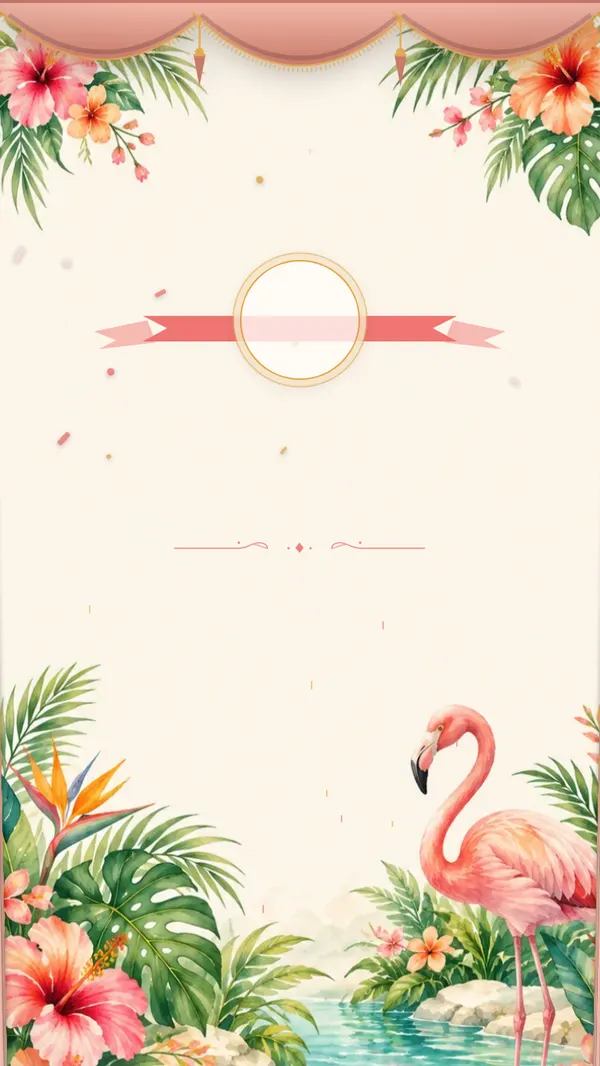
Tropical
Palm leaves, hibiscus, a flamingo and turquoise water. A summer pool party.
View demo
From idea to photos in three steps
- 1
Set up the invitation
Pick a theme, add the date, start and finish time, the address and a few words of your own. For a kids' party, it's worth adding the pick-up time and asking parents to mention any allergies.
- 2
Send it on WhatsApp
The ready-made image and the link go to the class parents' group, the family chat or your friends. Everyone RSVPs by name, and you see who's coming without chasing replies.
- 3
On the day, the link becomes a gallery
The same link and QR code collect guests' photos and videos. Afterward you download everything as one archive, and the gallery stays open for a year from the party date.
A few screens instead of a single card
Guests scroll with a finger and the screens reveal themselves one after another, each with its own illustration. The key details sit exactly where people look for them.

Countdown
The days left until the party. Kids love checking how long to go; grown-ups simply don't forget.

Venue
The address, the time and a map in one tap. Parents dropping off their child find the place first time.

RSVP
Guests type their name and tap to say they're coming. The list builds itself in your dashboard.
What you get
An invitation in a link
A scrolling page with your theme, a countdown and a map. Everything guests usually ask about in the chat is in one place.
RSVPs by name
Each guest replies under their own name. You know how many slices of cake to cut and how many chairs to set out.
Photo and video gallery
From the day of the party, the same link collects guests' photos and videos, unlimited and at full quality. You download it all as one archive.
Photo missions
Short photo tasks: “a picture with the birthday star”, “the funniest face at the cake”. Even the guests who usually just watch end up taking photos.
Slideshow on the TV
Guests' photos appear on a screen or TV during the party. Grandma sees the cake from every angle without leaving her chair.
A photo of the birthday star — or just an initial
The medallion on the invitation can show your child's photo or your own. Prefer not to? An initial appears instead. You can switch it in your dashboard even after the link is out.
Recorded wishes
Guests leave birthday wishes as text, a voice message or a video. Relatives who live far away can still be part of the day.
Time capsule
Messages that get opened later — on the next birthday, for example. Your child gets to read what their loved ones wrote.
Song requests for the DJ
At grown-up parties, guests add songs from their phones and the DJ sees the list live. Switched off automatically for kids' birthdays.
Photo memes
At grown-up parties, guests can add a funny caption to photos. Switched off automatically for kids' birthdays.
What you see once guests have the link
Replies gather into one list with the number of adults and children — ready for the restaurant. After the day, photos and recordings from the family land in one gallery.
Example with sample data
RSVPs
41
confirmed guests
6
still to reply
- Coming
Kate & Mike
2 guests
- Coming
Olivia
1 guest
- Coming
Grandma & Grandpa
2 guests
- Waiting
Ben
—
Guest gallery
935
photos
88
videos
19
recorded wishes
Photos and videos in original quality, downloadable as one ZIP file.
One price, the whole party
$55
You pay once, when the invitation is ready to send. No subscription, no extras.
- Invitation and gallery under one QR code
- A ready-made invitation image to send on WhatsApp
- Countdown, venue with map and RSVPs by name
- Unlimited photos and videos
- Download everything as one archive, for a year from the party date
- Photo missions, TV slideshow and time capsule
- Wishes as text, voice or video
- Print-ready QR code for paper invitations
Frequently asked questions
Which birthdays is it for?
First birthdays, kids' parties from preschool through grade school, milestone 30ths, 40ths and 50ths — and any other birthday. You enter the age, and the wording and features adjust to it.
Does anything change for a child's birthday?
Yes. When setting up, you enter the birthday person's age. If it's a child or a teenager, the app automatically switches off song requests for the DJ, memes and the alcohol toast animations (champagne, wine, beer, cocktail). The ready-made texts then speak in the parents' voice: “Our Lily is turning 5…”.
Do guests need to install an app?
No. They open the link on their phone or scan the QR code with the camera. Grandparents and classmates' parents manage just fine.
Do guests need an account?
No. They just type their name. Only the person creating the invitation has an account.
How many photos can guests upload?
As many as they like, photos and videos alike. A phone sends up to 30 files at a time; for more, just pick the next batch.
How long does the gallery stay open?
A year from the day of the party, not from purchase, so buying early is no problem. During that time you can download photos one by one or the whole gallery as one archive.
Can I print the QR code on paper invitations?
Yes. You get a print-ready QR code file. Stick it on cards for the class or put it on the table at the party — the same code leads to the invitation and later to the gallery.
Can I change the theme after sending?
Yes, any time. The link and QR code stay the same, so there's nothing to resend.
Is there something for christenings or First Communions too?
Yes, christenings and First Communions have their own pages with their own themes. They work the same way: invitation, RSVPs and gallery under one link.