18th Birthday
An 18th birthday invitation that does more than just invite
Send one link. Friends tap to confirm, then after the party they upload every photo and video there. No app, no account needed.
$55 — one payment, no subscription.
Designing and previewing is free. You pay only when you want to send the link to your friends.
One payment. No subscription. No limit on photos or videos.

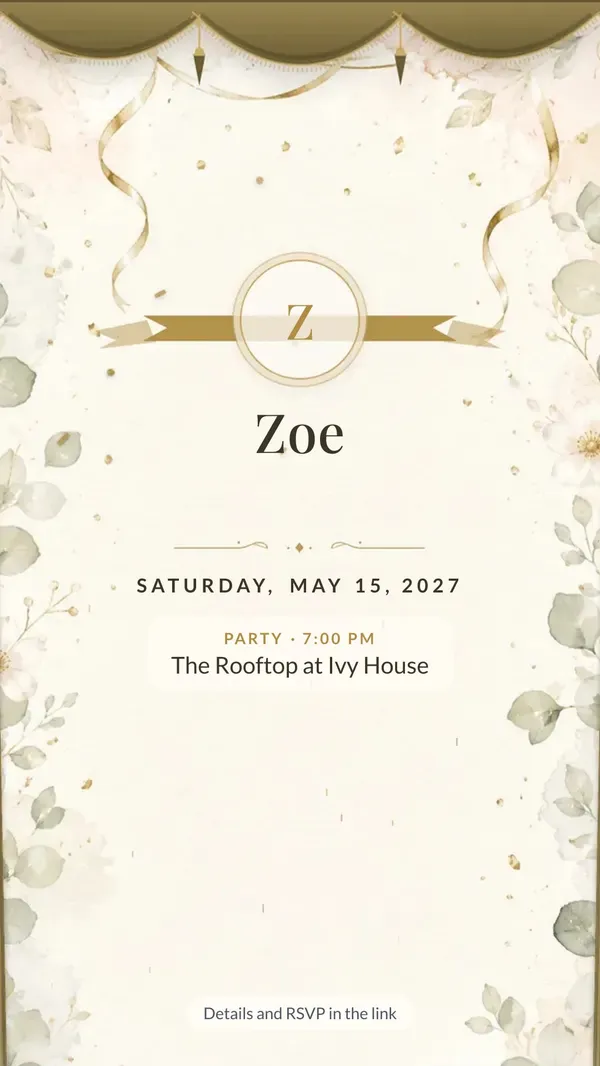
Zoe
April 18, 2027
30,000+
guest photos and videos already collected on our pages
In original quality, with no app and no guest accounts.
This is how it arrives on WhatsApp
An image with every detail, and the link right below it. Family see the invitation straight away in the chat and RSVP with one tap.
- A ready image to send in the chat
- A link with RSVP and directions
- From the day of the celebration the same link collects photos and recorded wishes
Please RSVP here 👇
myweddingmemories.org/i/…
6:42 PM
Choose your invitation theme
You pick a theme when you set up the invitation and can change it any time — the link and QR code stay the same. From an elegant evening to Gatsby, neon and casino night: each one has its own illustrations, not a template with a background photo.
- Guests open it like the real thing — curtain, cover or envelope
- Illustrations reveal themselves as you scroll
- RSVP in a single tap
17 themes
- Curtain & seal
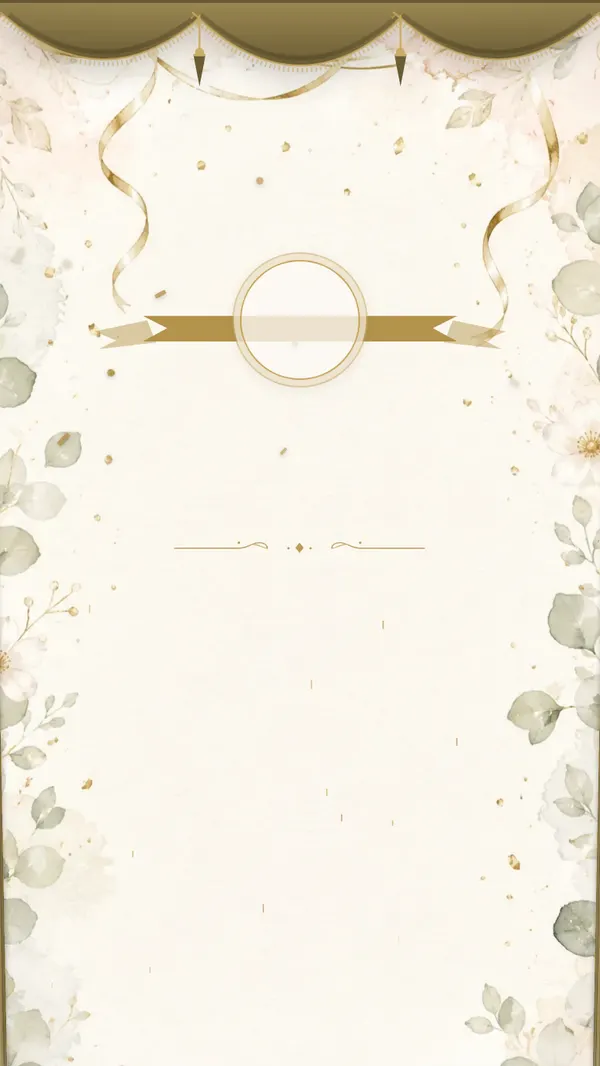
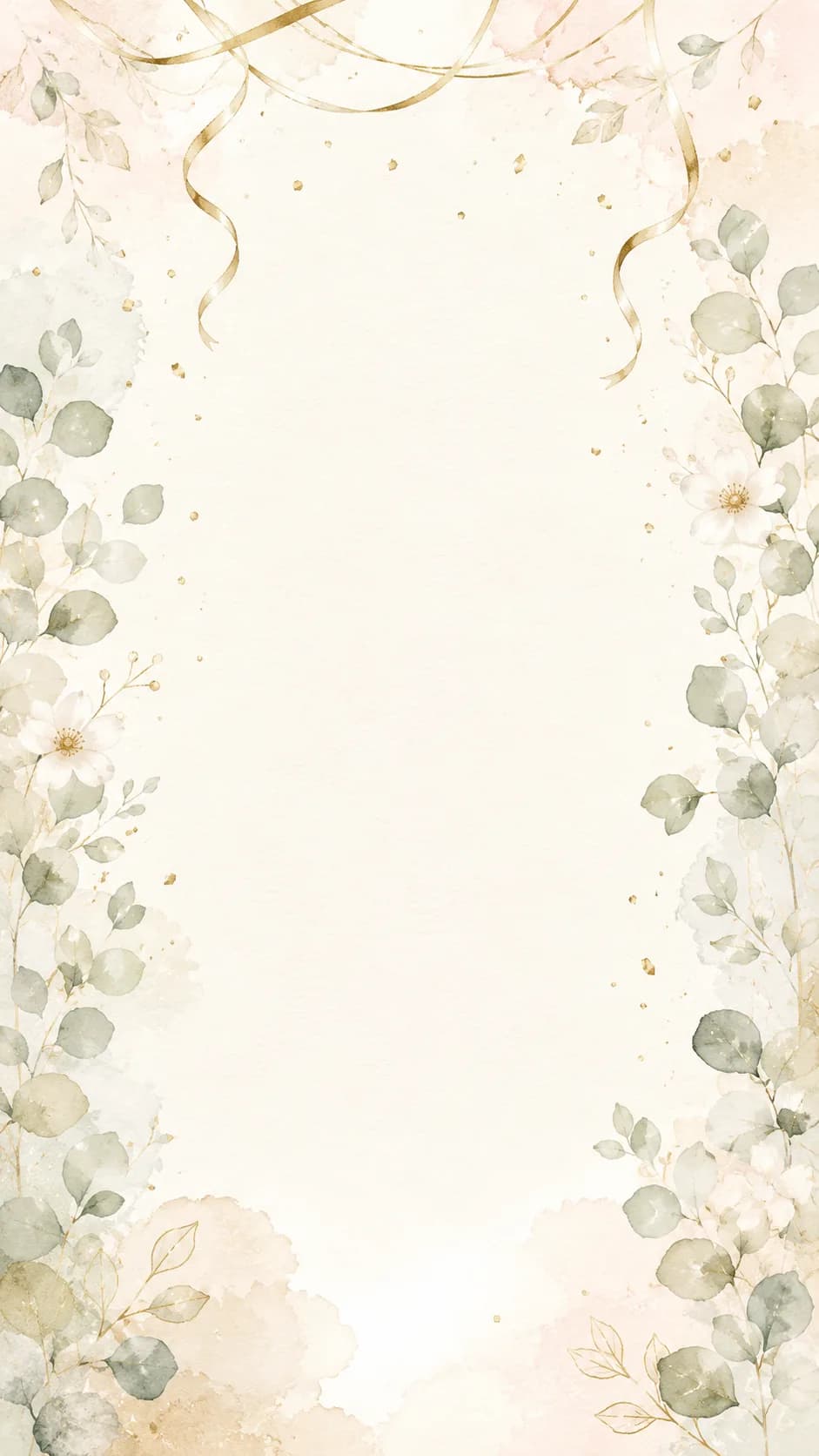
Elegant evening
Gold ribbons and eucalyptus on cream paper. The most classic and dressed-up.
View demo - Curtain & seal
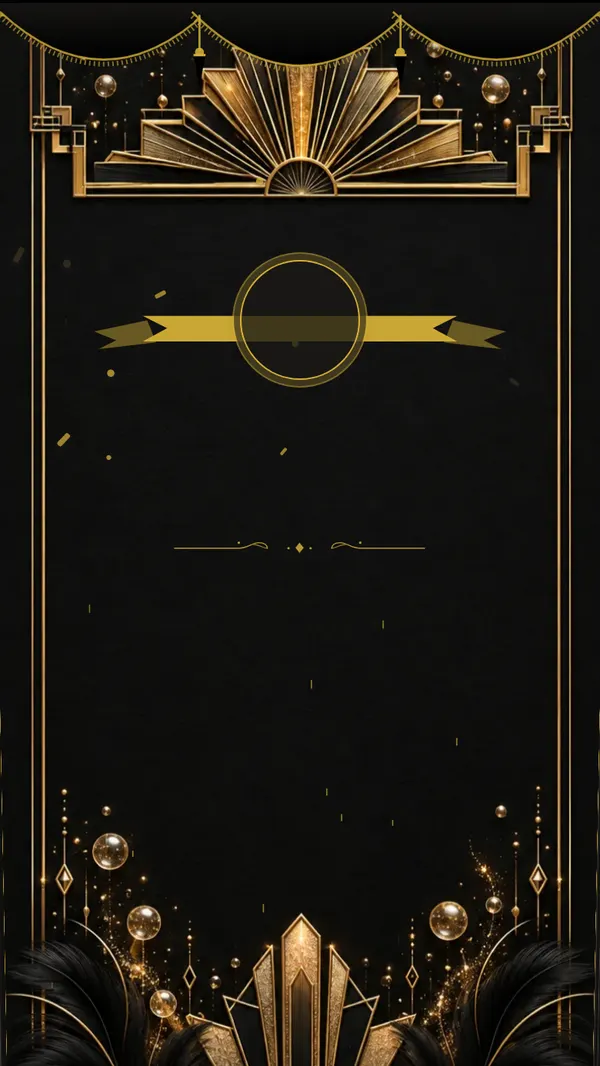
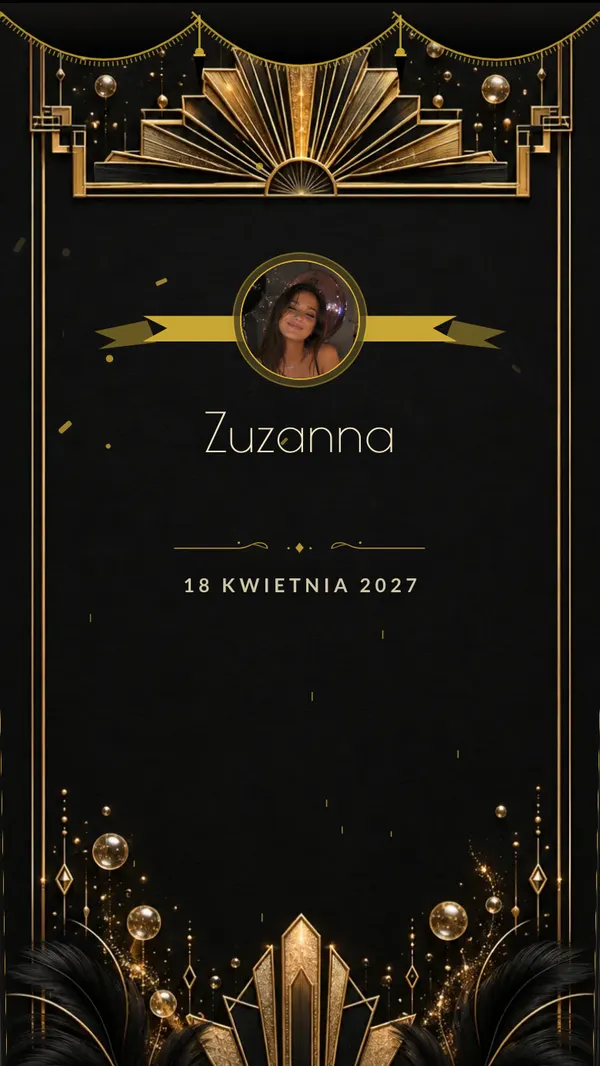
Gatsby
Art deco in black and gold — fans, champagne, feathers. Opens with a black velvet curtain.
View demo - Envelope
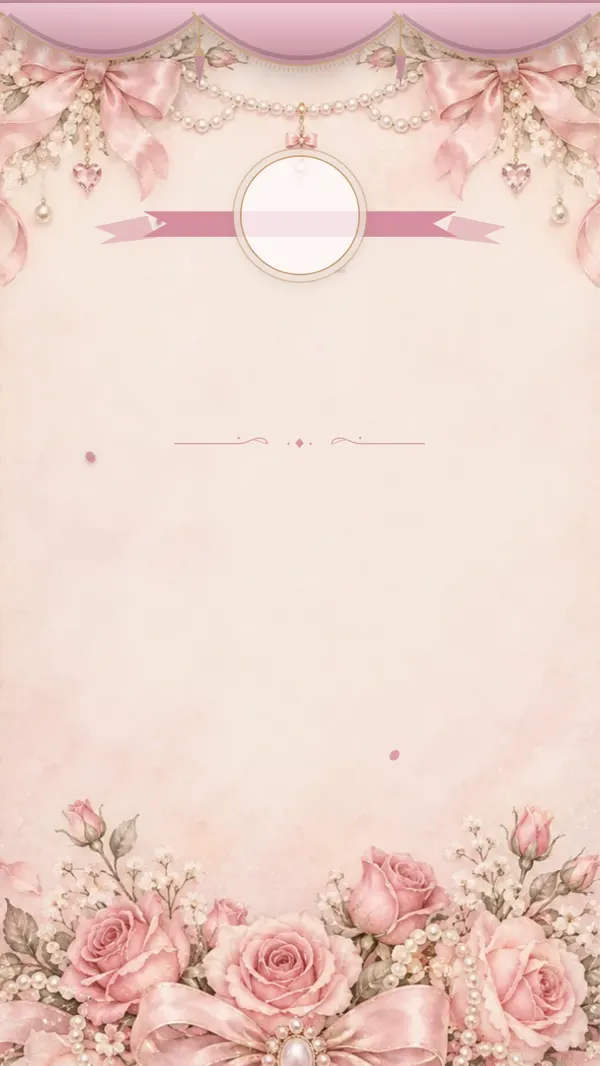
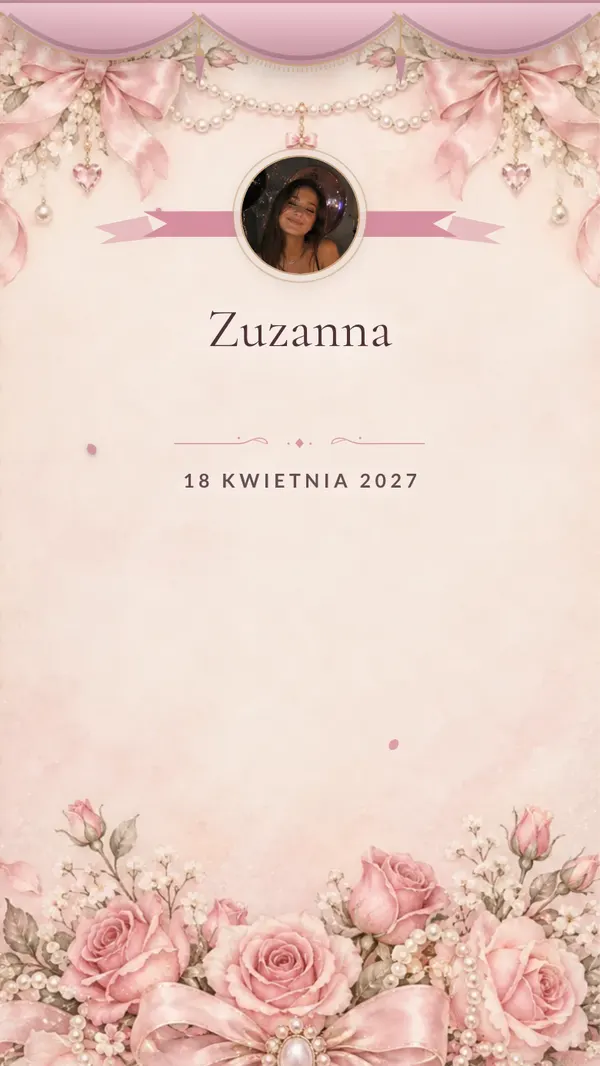
Bows & pearls
Satin bows, pearls and lace in powder pink. Romantic and girly.
View demo - Curtain & seal

Hollywood
A red carpet, golden stars and spotlights. An entrance like a film premiere.
View demo - Curtain & seal
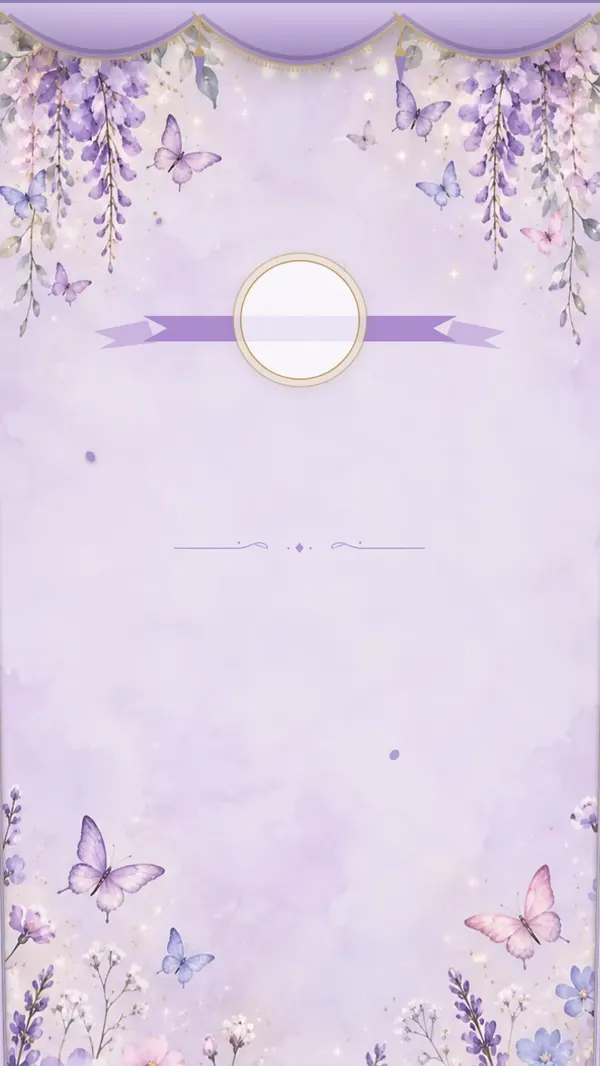
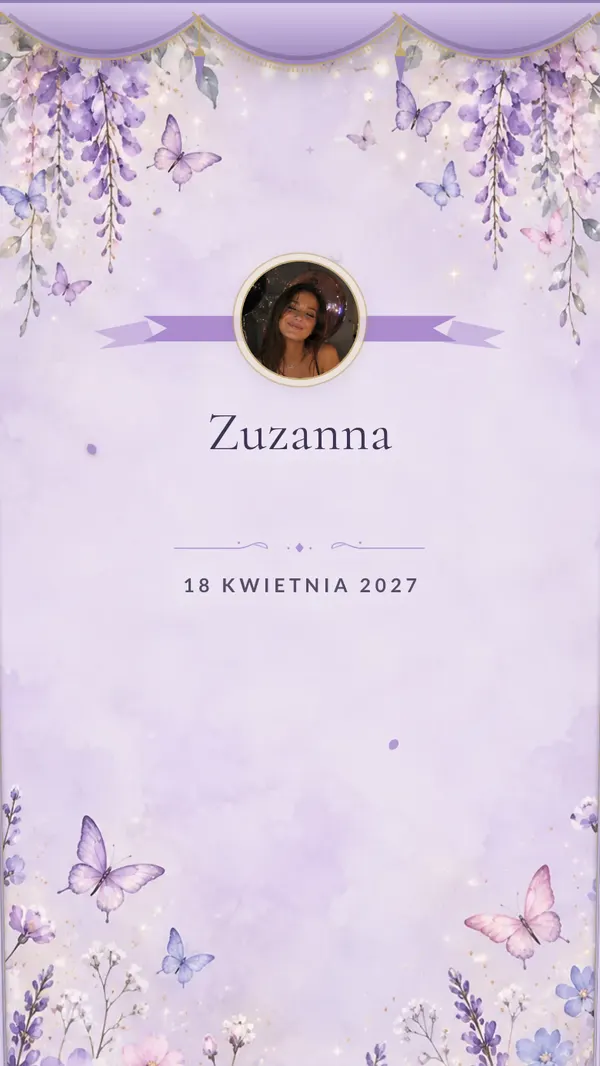
Butterfly garden
Pastel butterflies, wisteria and fairy lights. A dreamy garden in lilac.
View demo - Curtain & seal
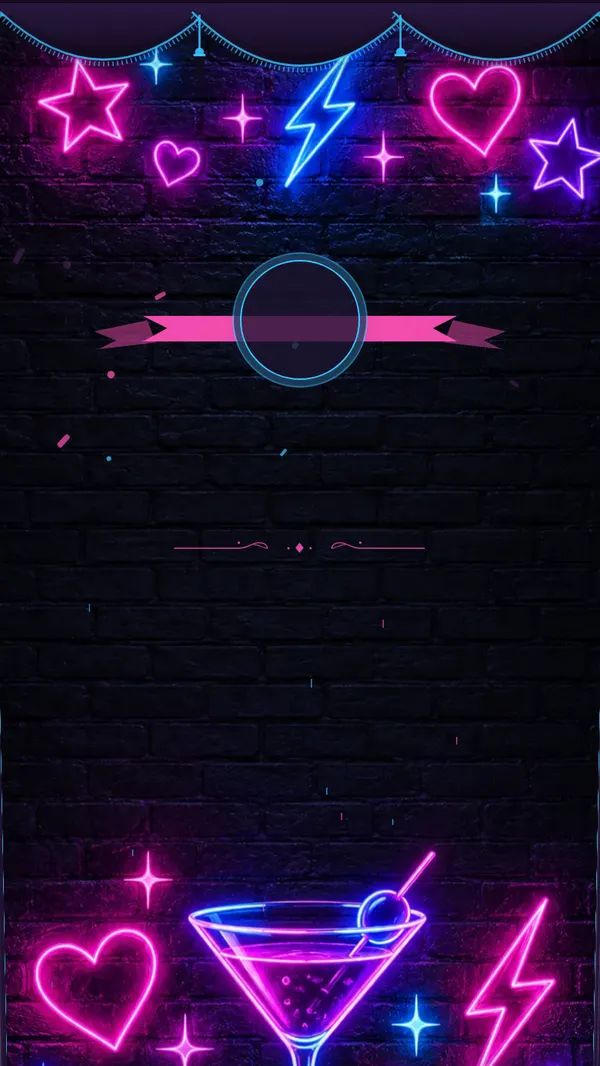
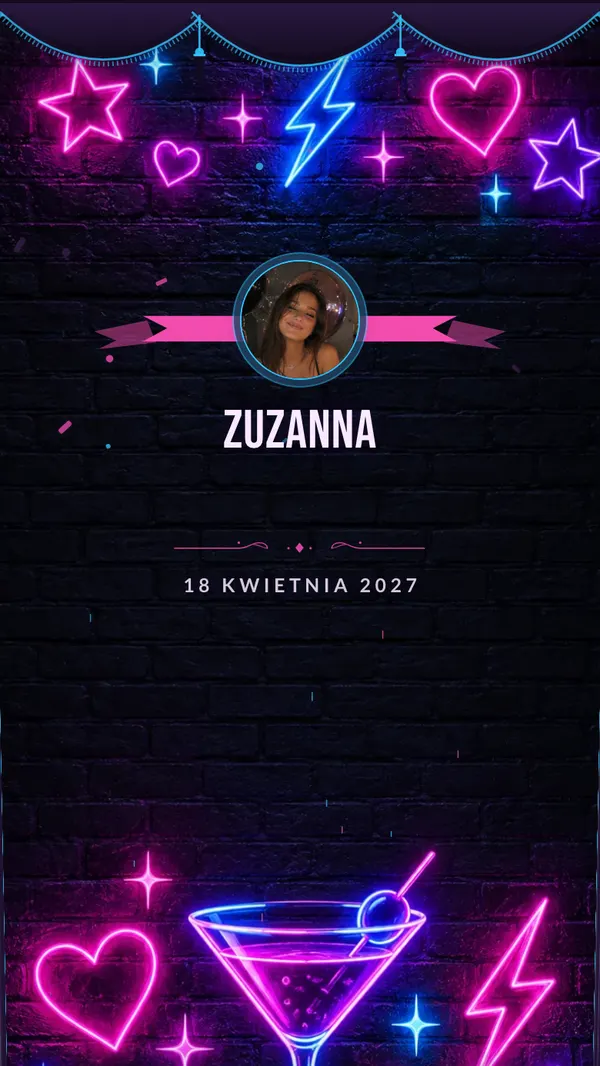
Neon
Neon stars, a cocktail and lightning bolts on a brick wall. A night club on your phone.
View demo - Linen cover
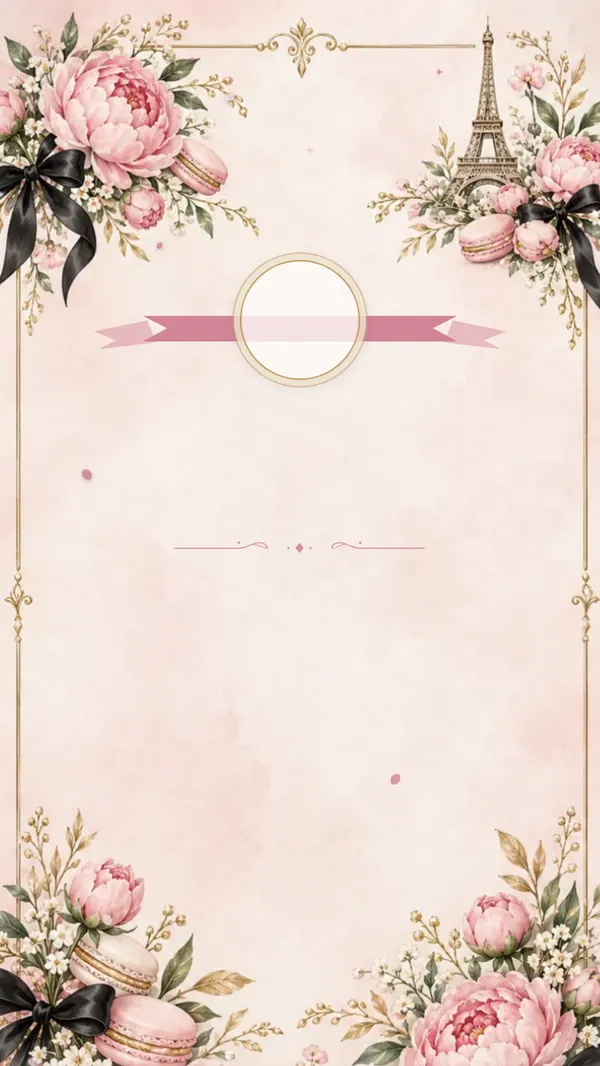
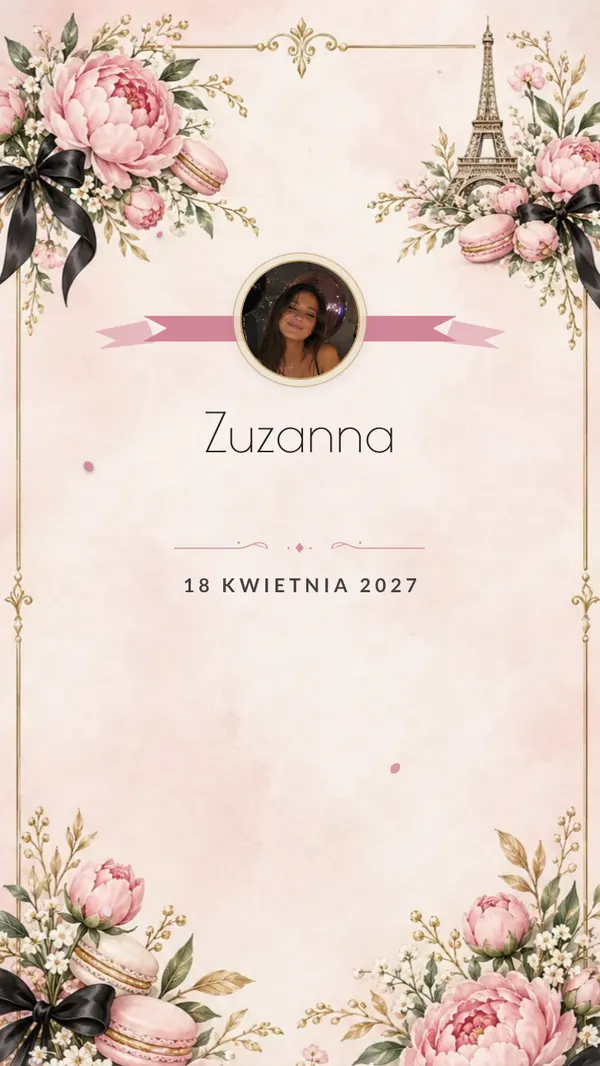
Parisian chic
The Eiffel Tower, peonies, macarons and black bows. Parisian elegance.
View demo - Curtain & seal
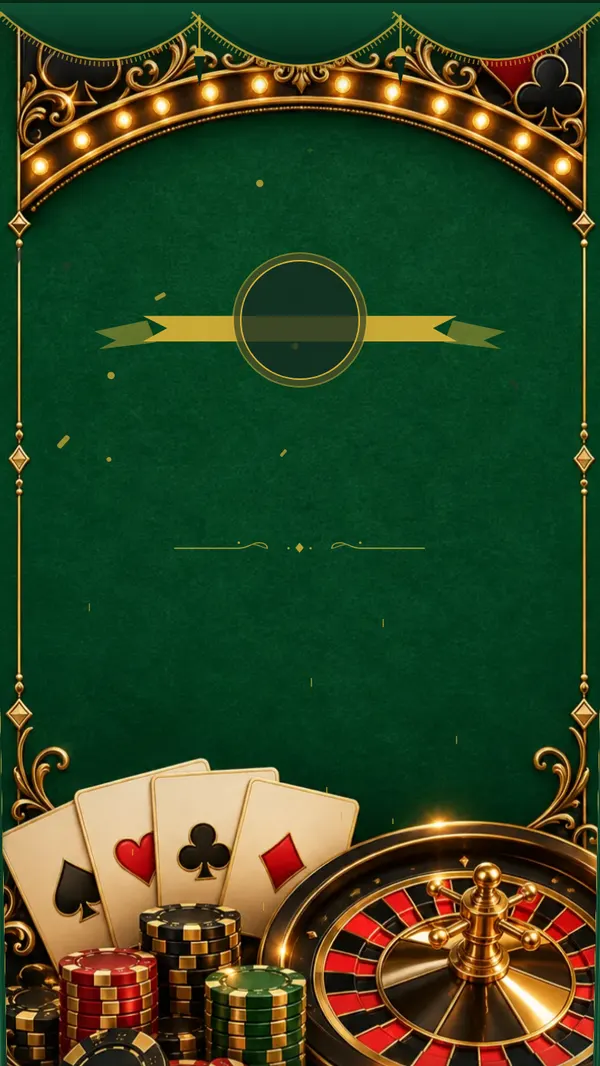
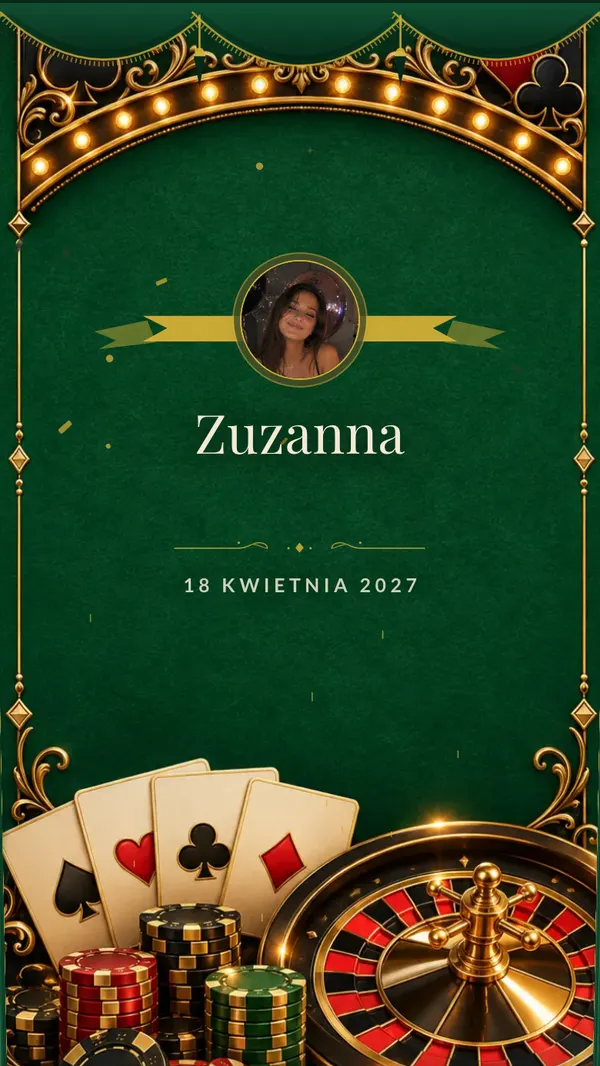
Casino night
Green felt, cards, chips and a golden roulette wheel. A Las Vegas evening.
View demo - Curtain & seal
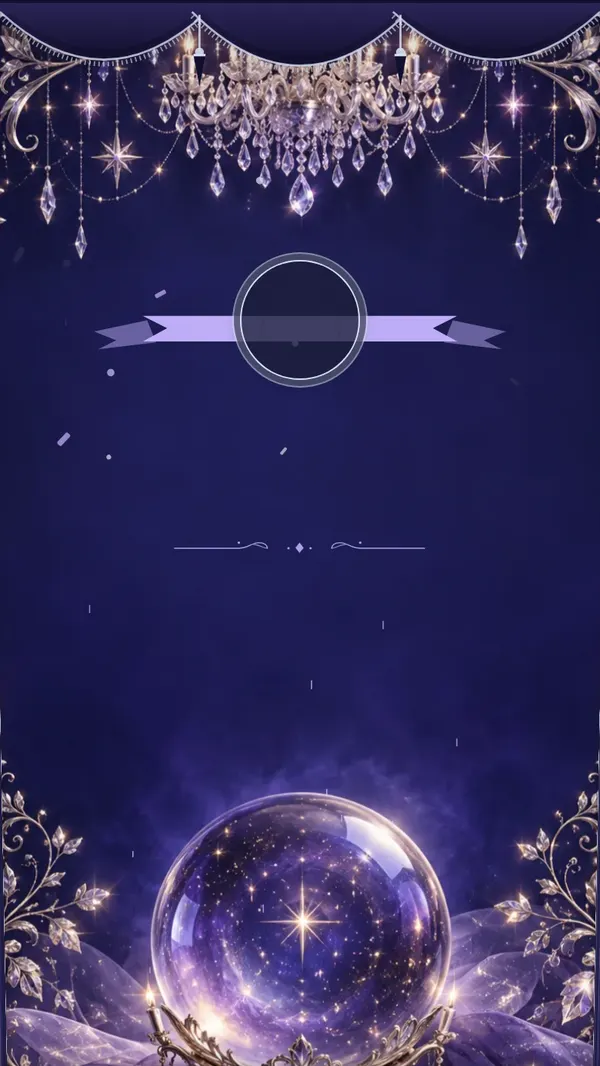
Crystal ballroom
A crystal chandelier, a tiara and silver stars on a midnight sky. A fairy-tale evening.
View demo - Curtain & seal
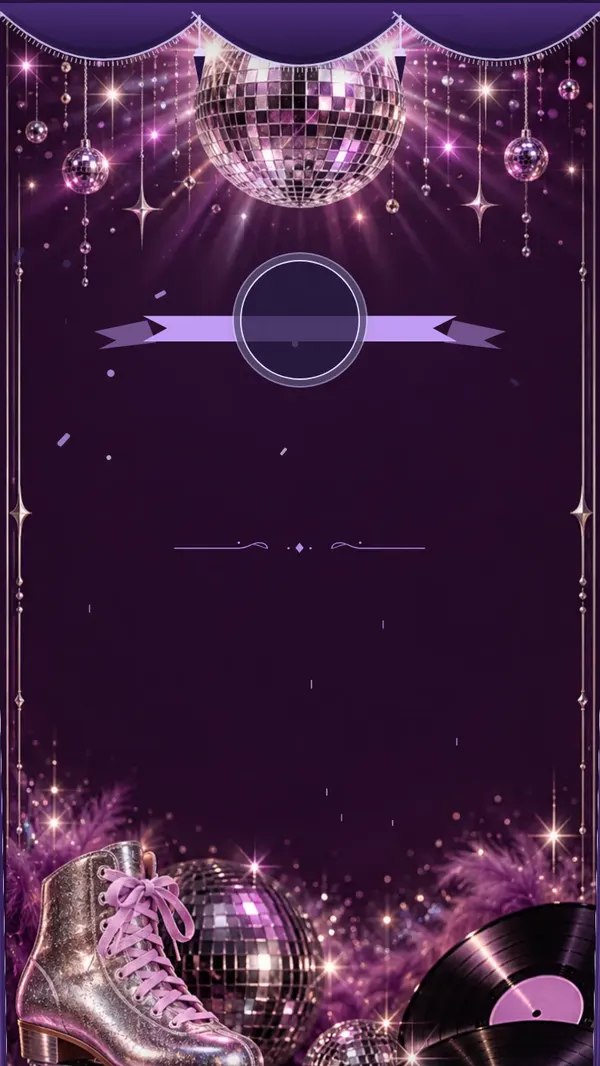
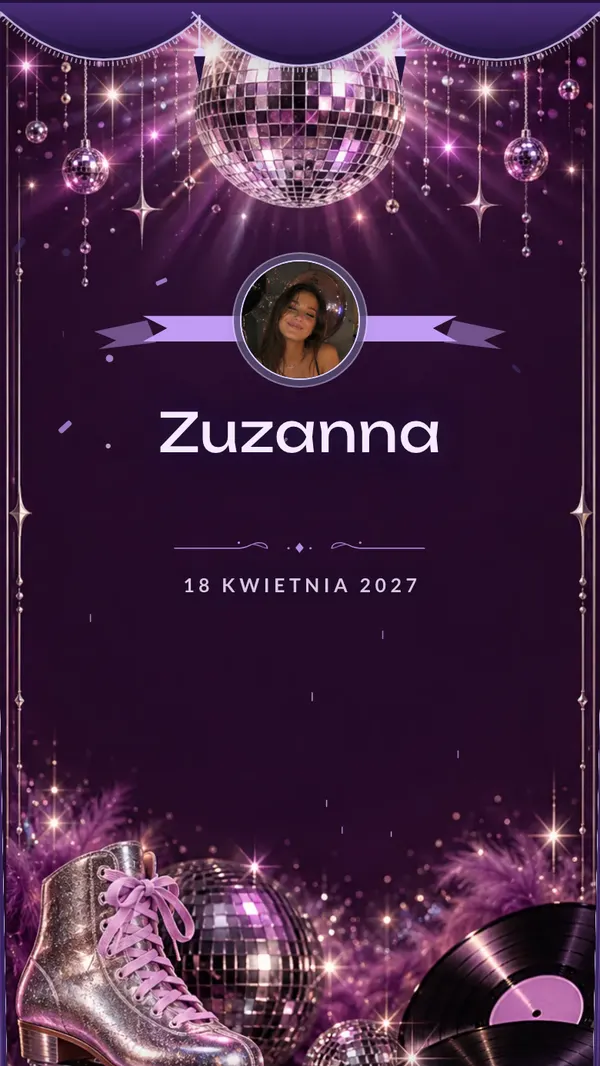
Disco
A silver disco ball, lilac lights, roller skates and vinyl. The seventies, reimagined.
View demo - Curtain & seal
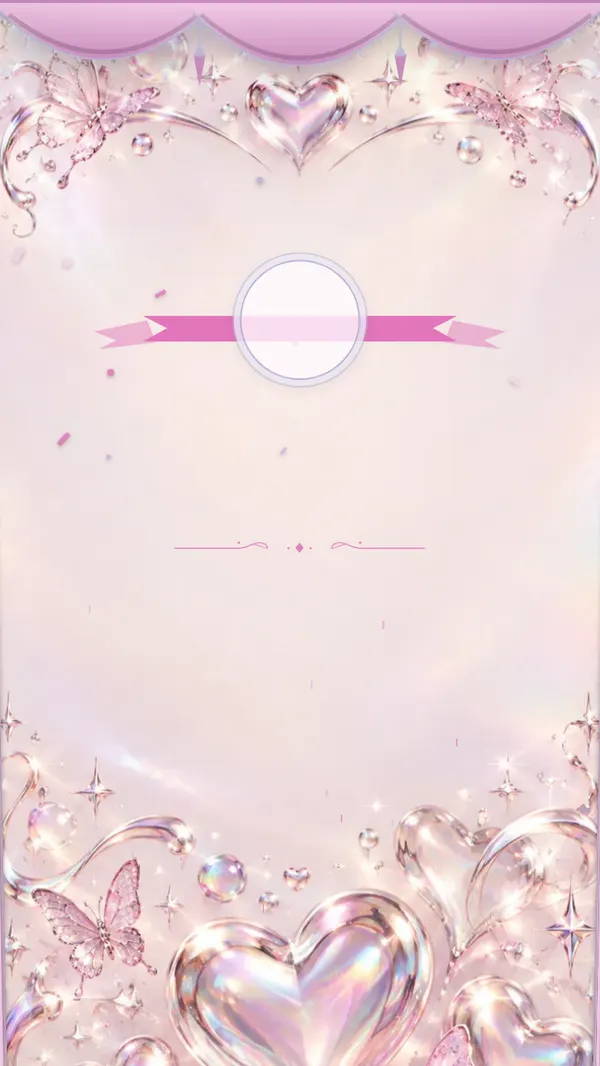
Y2K
Holographic chrome, pink butterflies and glossy hearts. Straight out of the 2000s.
View demo - Curtain & seal
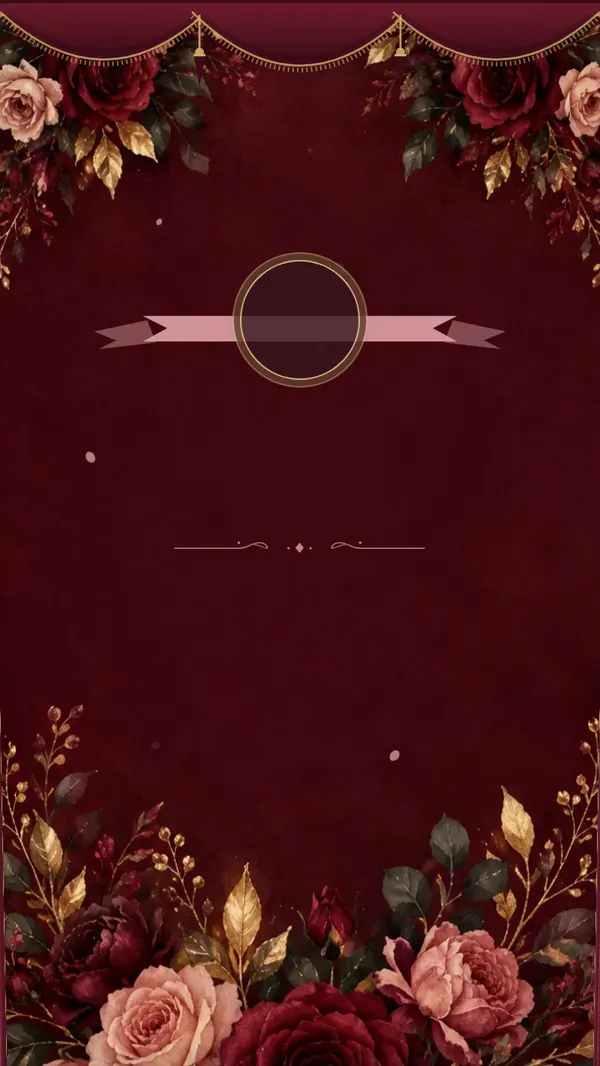
Burgundy roses
Burgundy and blush roses with gold leaves by candlelight. Romantic and classy.
View demo - Curtain & seal
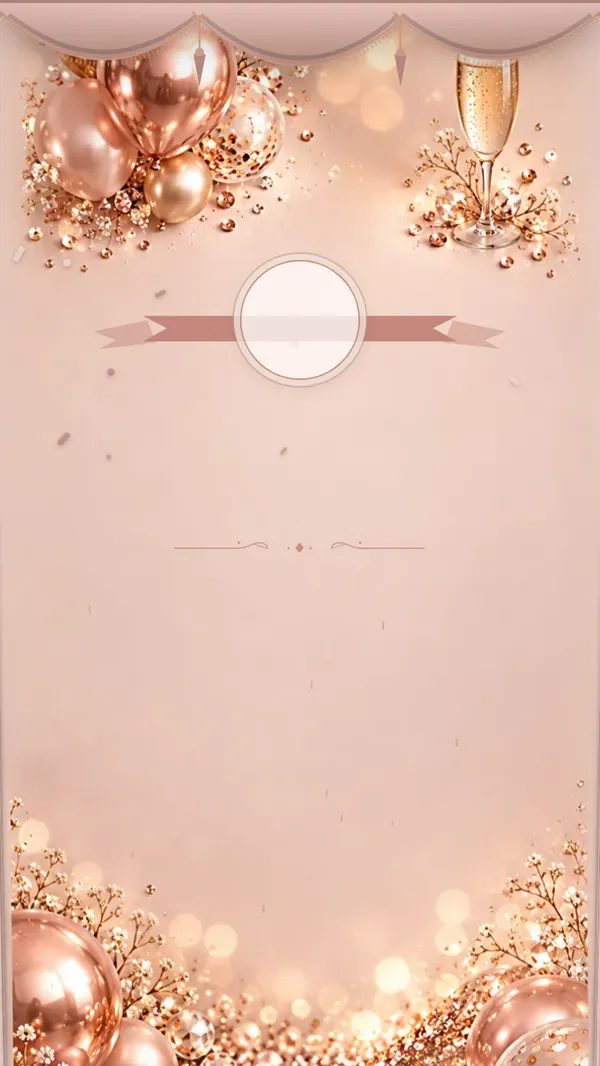
Glamour
Rose gold, sequins, balloons and champagne. Sparkle and elegance.
View demo - Curtain & seal
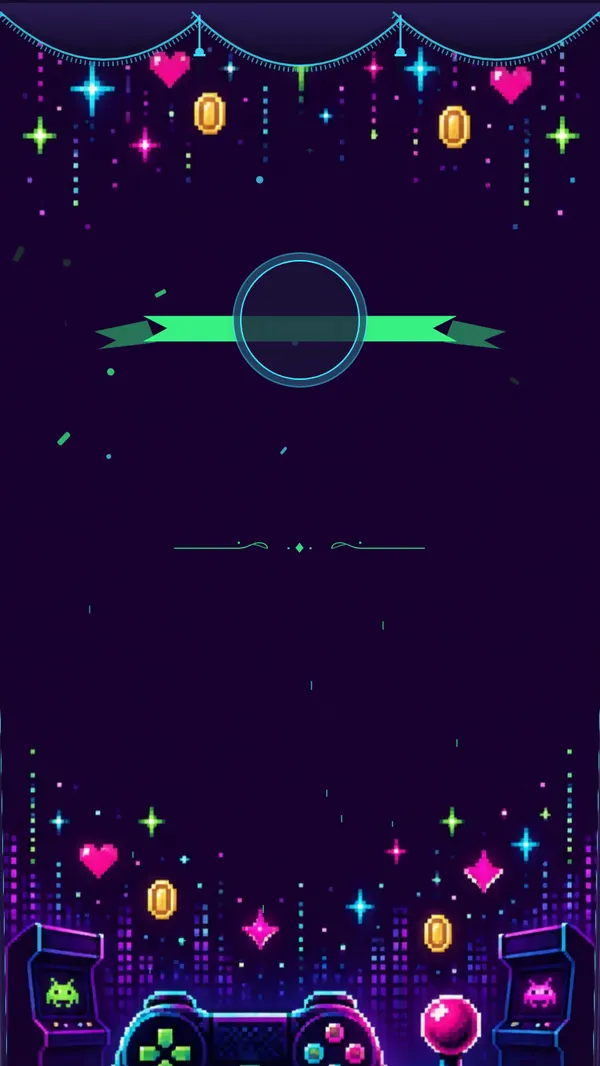
Level 18
Pixel art, a neon controller and arcade coins. Level 18 unlocked.
View demo - Curtain & seal
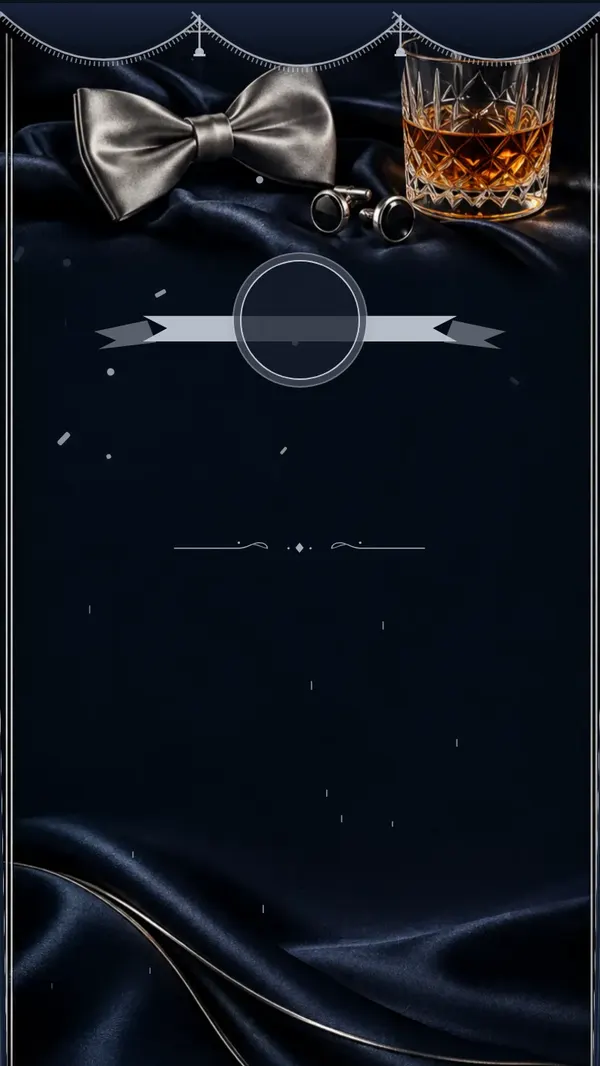
Black tie
Midnight satin, silver, a bow tie and cufflinks. An elegant black-tie evening.
View demo - Curtain & seal
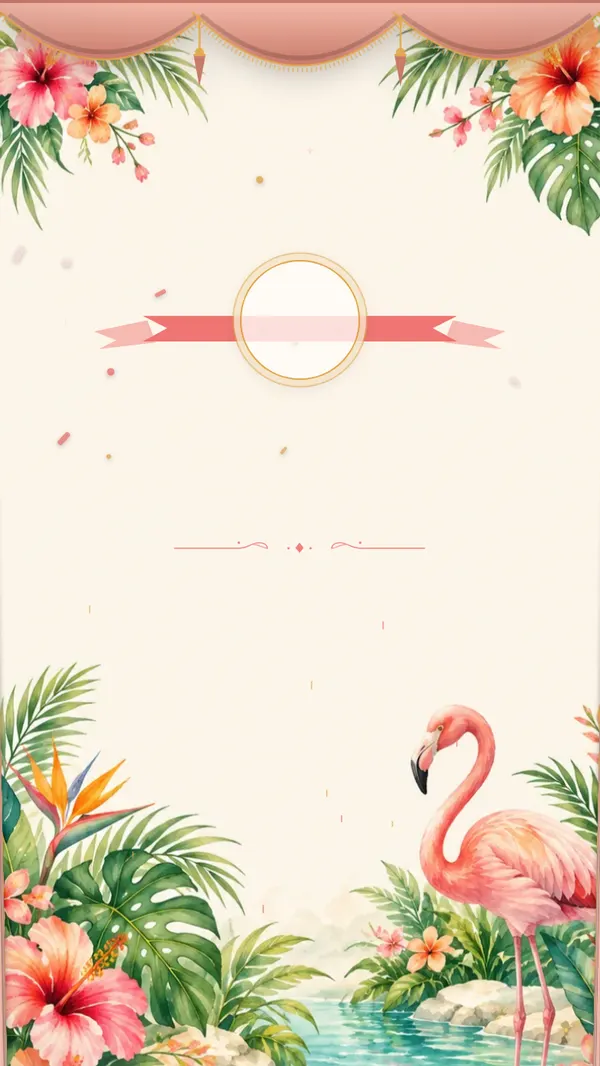
Tropical
Palm leaves, hibiscus, a flamingo and turquoise water. A summer pool party.
View demo - Curtain & seal
Festival
Stage lights, confetti, a ticket and a microphone. Like getting into a festival.
View demo
How it works
- 1
You create the invitation
Pick a theme, add the date, the venue and a few words of your own. You get a link and a QR code — the same one that collects the photos later.
- 2
You send it as one link
In the group chat, a DM, or a story. Everyone opens it on their phone, sees the when and where straight away, and taps to say they're coming. You see the list update in real time.
- 3
After the party, it all comes back to you
The same code doubles as the gallery. Friends upload photos and videos from the whole night, and you download them in one click — the whole gallery as a single archive.
An invitation you scroll through
Instead of one image to send round, there are several screens that reveal themselves as a friend scrolls, each with its own illustration.

Countdown
Exactly how many days are left — the counter runs itself, no input needed from you.

Venue
Address, time and a map. Nobody asks in the group chat at 8pm.

RSVP
One button. The guest list builds itself, on your side.
What's included
Interactive invitation
Not a file to print. A page guests scroll through — with your own photos, music and details nobody has to go digging for in the chat.
RSVPs
Friends tap to confirm they're coming, right where they're reading the invitation. No more chasing replies in the messages.
Photo and video gallery
Everything friends capture that night, in one gallery, at full quality — not squeezed through a messaging app's compression.
Photo missions
Tasks for the night: “a photo with someone you just met”, “worst dance move”. They give people a reason to pick up their phone at all.
Slideshow on screen
Photos appear on the TV or projector seconds after they're taken. The room watches itself from thirty seconds ago.
Your photo on the invitation — or just your initial
You can show your own photo in the ribbon medallion. You don't have to: without it, your initial appears instead, and the invitation looks just as finished. The toggle is in your dashboard, so you can change it even after you've sent the link out.
Song requests
Guests submit requests from their own phones, and whoever's on music duty sees the list live.
Time capsule
Friends record messages that you open a year later — on your 19th birthday.
Memes and captions
Photos can get a caption added right there on the spot. Those are usually the shots that end up going round the group chat.
What you see once guests have the link
Replies gather into one list with the number of adults and children — ready for the restaurant. After the day, photos and recordings from the family land in one gallery.
Example with sample data
RSVPs
41
confirmed guests
6
still to reply
- Coming
Kate & Mike
2 guests
- Coming
Olivia
1 guest
- Coming
Grandma & Grandpa
2 guests
- Waiting
Ben
—
Guest gallery
935
photos
88
videos
19
recorded wishes
Photos and videos in original quality, downloadable as one ZIP file.
One price for the whole party
$55
You pay once. No subscription and no add-on costs along the way.
- Invitation and gallery under one QR code
- A ready invitation image to send on WhatsApp
- Schedule, dress code, gifts and directions inside the invitation
- RSVPs, personal links for each guest and reminders
- No limit on photos or videos
- Everything downloadable for a year
- Photo missions, slideshow, song requests, time capsule
Frequently asked questions
Do friends need to install anything?
No. They open the link or scan the QR code with their phone camera. Nothing else happens.
Do they need to create an account?
No. They tap in, type their name and upload. Only you create an account — as the person throwing the party.
How many photos fit?
We don't count photos or gigabytes. A phone sends up to 30 files at a time — for more, you just select the next batch.
How long does this last?
A year from the day of the party — not from your purchase. Buying early costs you nothing. During that time you can download everything as many times as you like — one by one or the whole gallery as one archive.
Can I put the QR code on a paper invitation?
Yes. Alongside the link you get a print-ready QR code to download, so you can stick it on a card or a poster by the door.
Does this work for other occasions?
We have separate packages for christenings and First Communions — with their own themes and the same way of working.
What if nobody uploads anything?
Sometimes it needs a first push. That's exactly what the photo missions and slideshow are for — once people see their own photos on screen, the rest happens on its own.