Confirmation
A Confirmation invitation that collects RSVPs, then the photos from the day
Mass with the bishop, the sponsor, a celebration with family and friends — all in one link you share on WhatsApp. Guests see the time and the map, RSVP by name, and on the day the same link collects photos and video messages. No app, no guest accounts.
$45 — one payment for the whole celebration, no subscription.
The preview and every change are free. You only pay when you want to send the link to your guests.
One payment. No subscription. Unlimited photos and recordings.
Emily
May 23, 2027


30,000+
guest photos and videos already collected on our pages
In original quality, with no app and no guest accounts.
This is how it arrives on WhatsApp
An image with every detail, and the link right below it. Family see the invitation straight away in the chat and RSVP with one tap.
- A ready image to send in the chat
- A link with RSVP and directions
- From the day of the celebration the same link collects photos and recorded wishes
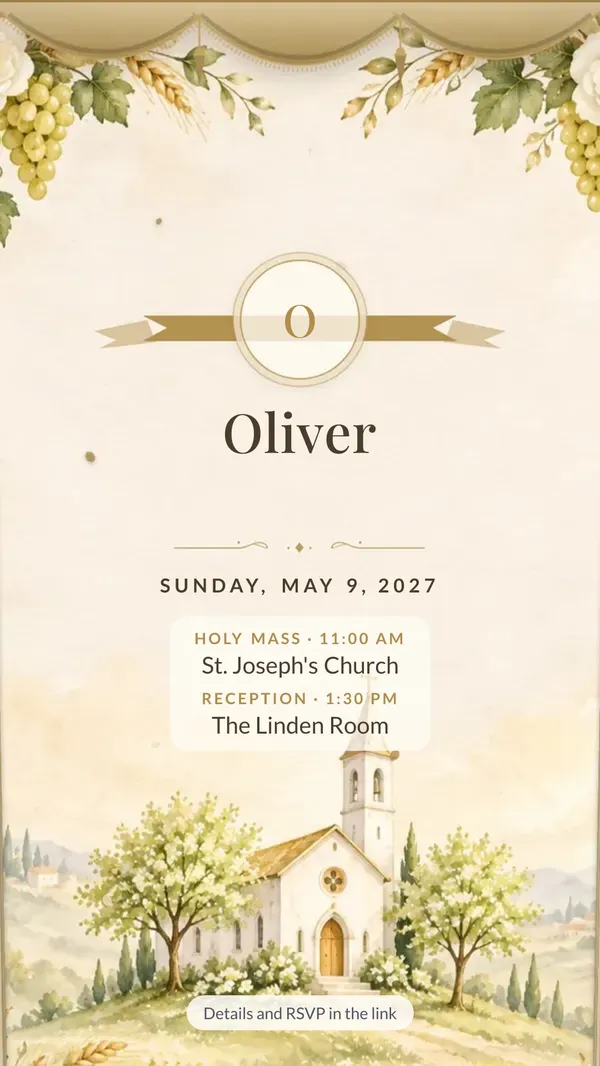
Please RSVP here 👇
myweddingmemories.org/i/…
6:42 PM
Choose your invitation theme
For Confirmation we picked themes without the chalice and host: the dove, the floral cross, olive branches and more. Each theme has its own watercolors, and you can switch at any time — the link and QR code stay the same.
- Guests open it like the real thing — curtain, cover or envelope
- Illustrations reveal themselves as you scroll
- RSVP in a single tap
6 themes
- Linen cover

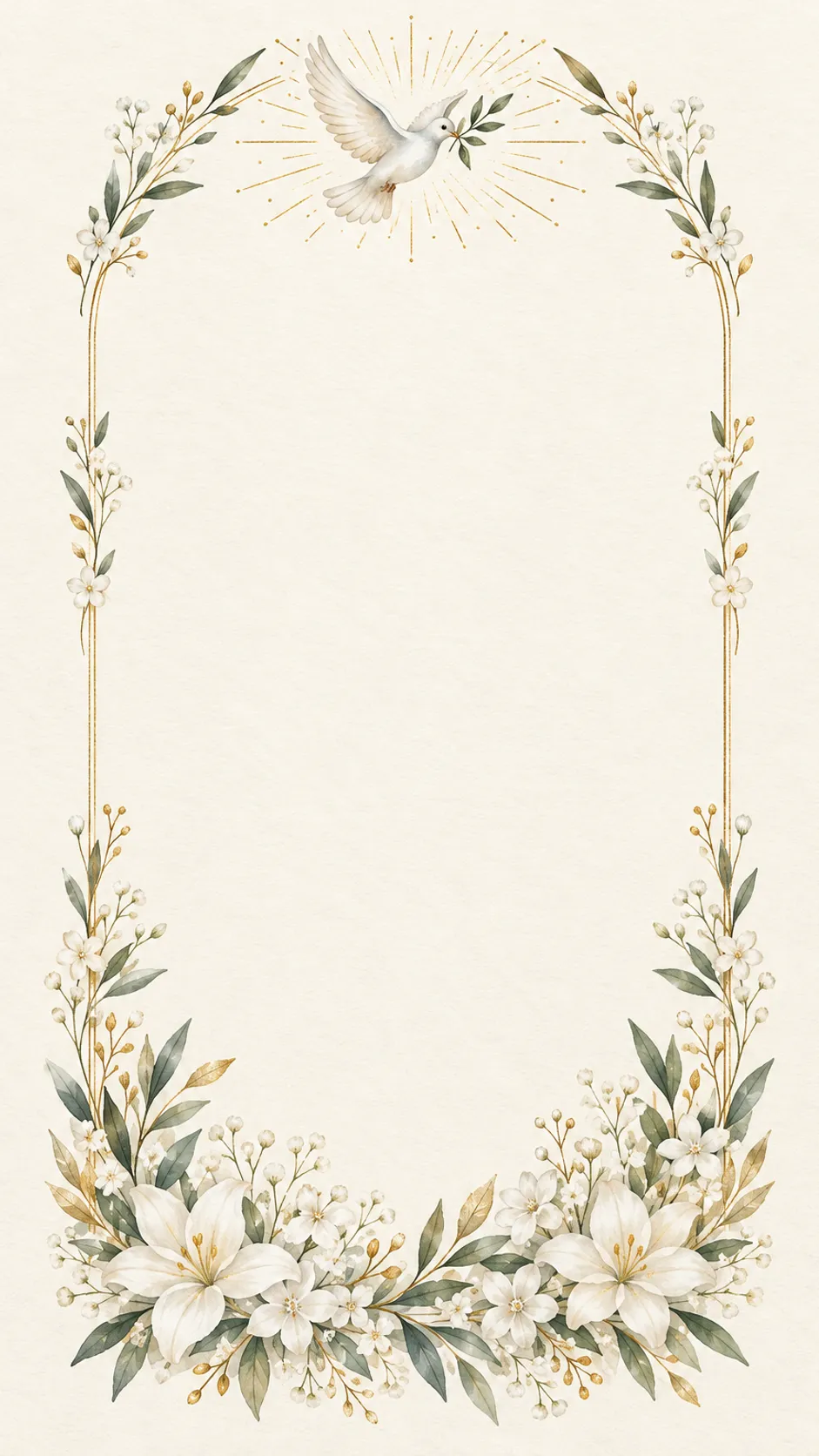
Dove and light
A white dove with an olive branch in golden light. The sign of the Holy Spirit, a delicate watercolor with gold.
See the demo - Envelope
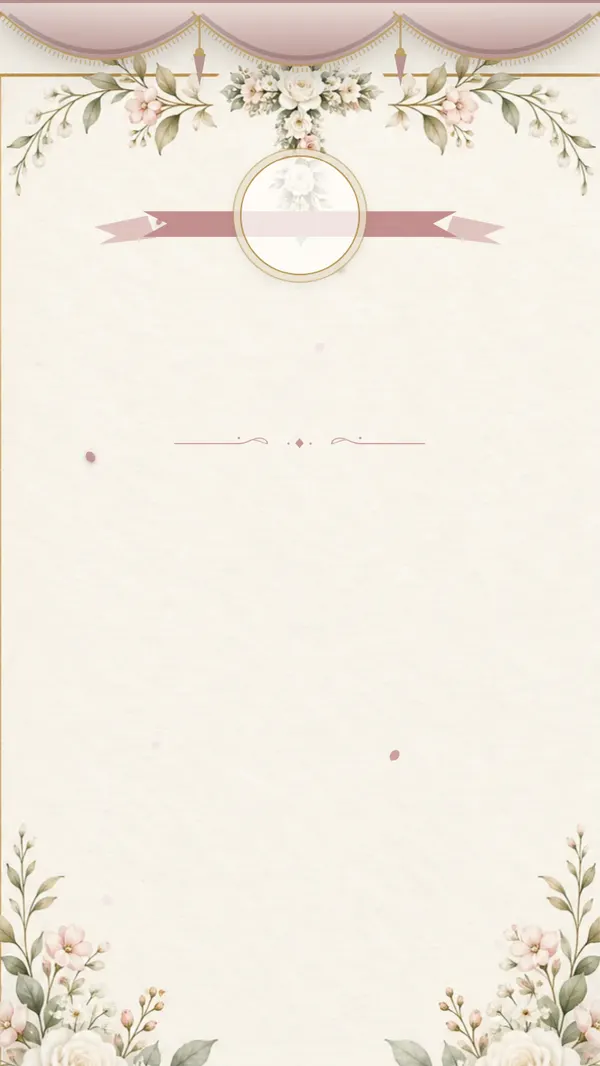
Floral cross
A cross of white roses and small flowers in a thin gold frame. Understated and elegant.
See the demo - Linen cover
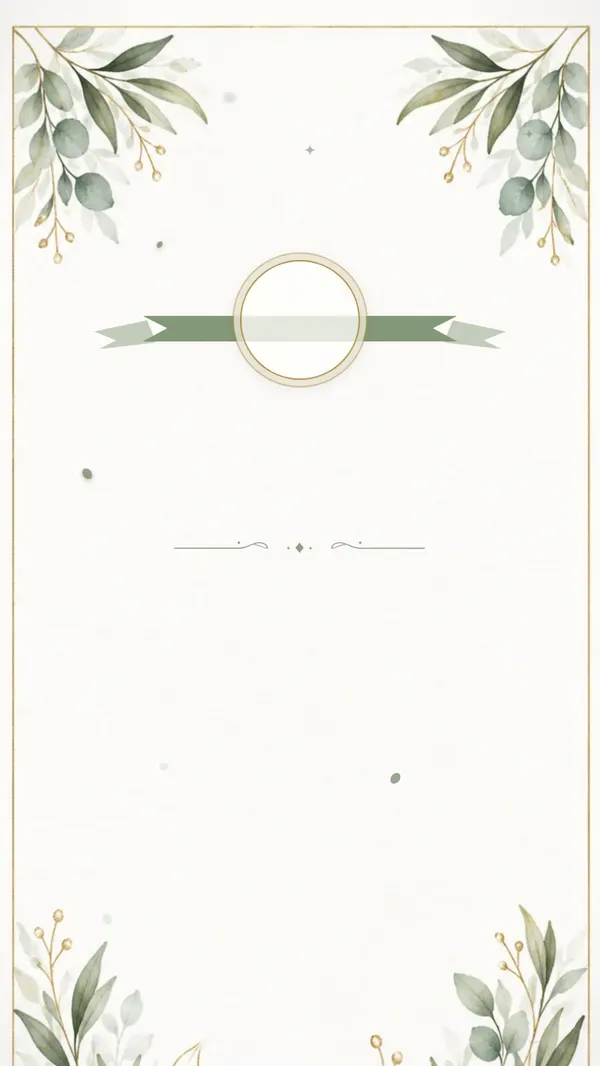
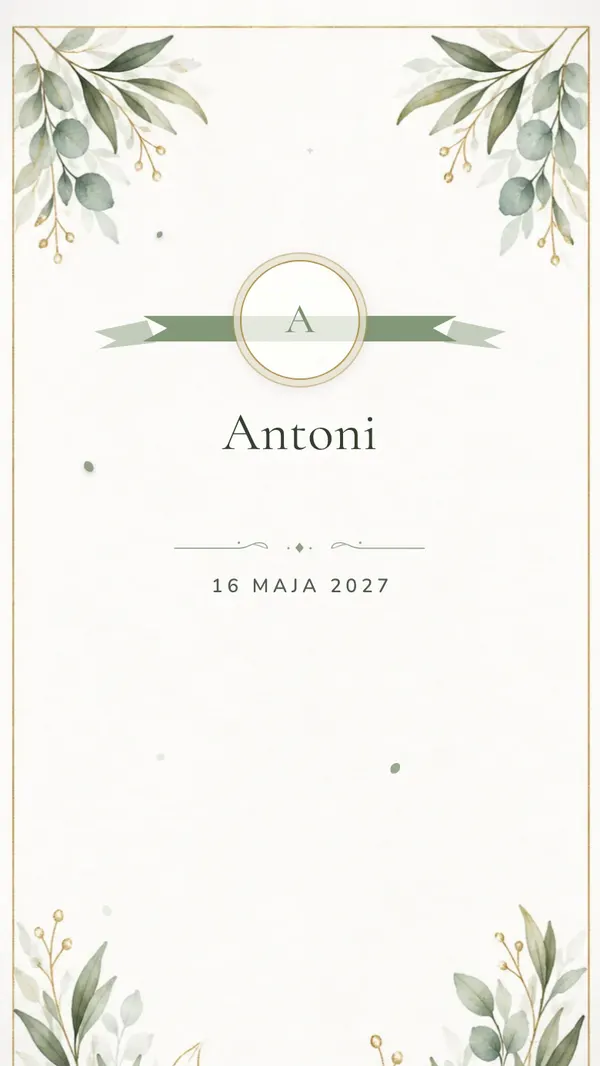
Olive and eucalyptus
Olive and eucalyptus sprigs in sage green, plenty of white. Modern and calm.
See the demo - Envelope

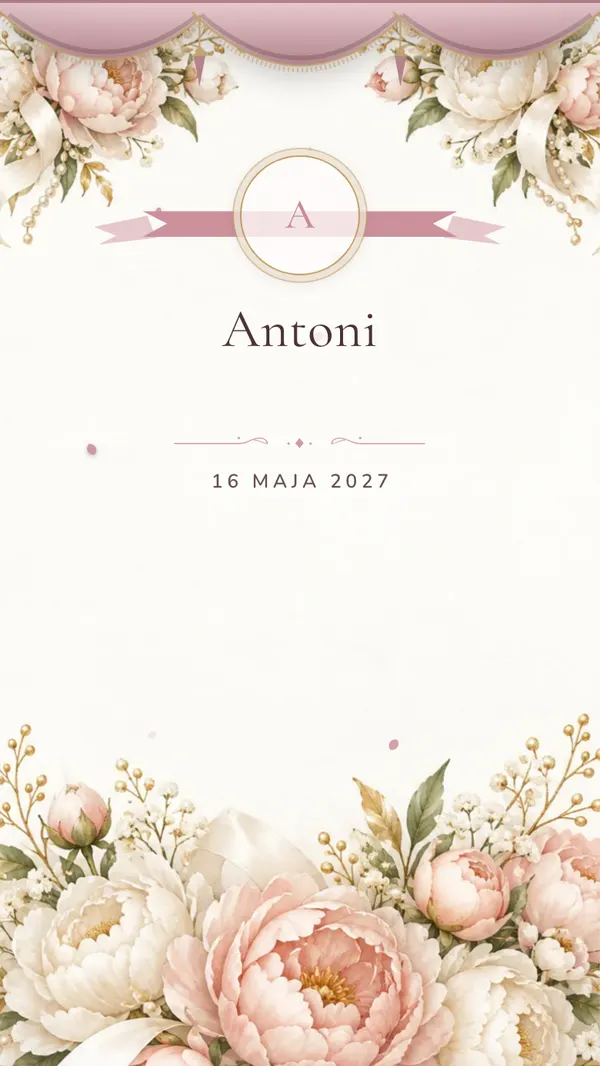
Peonies and pearls
Powder peonies, strings of pearls and ivory silk. Romantic.
See the demo - Linen cover
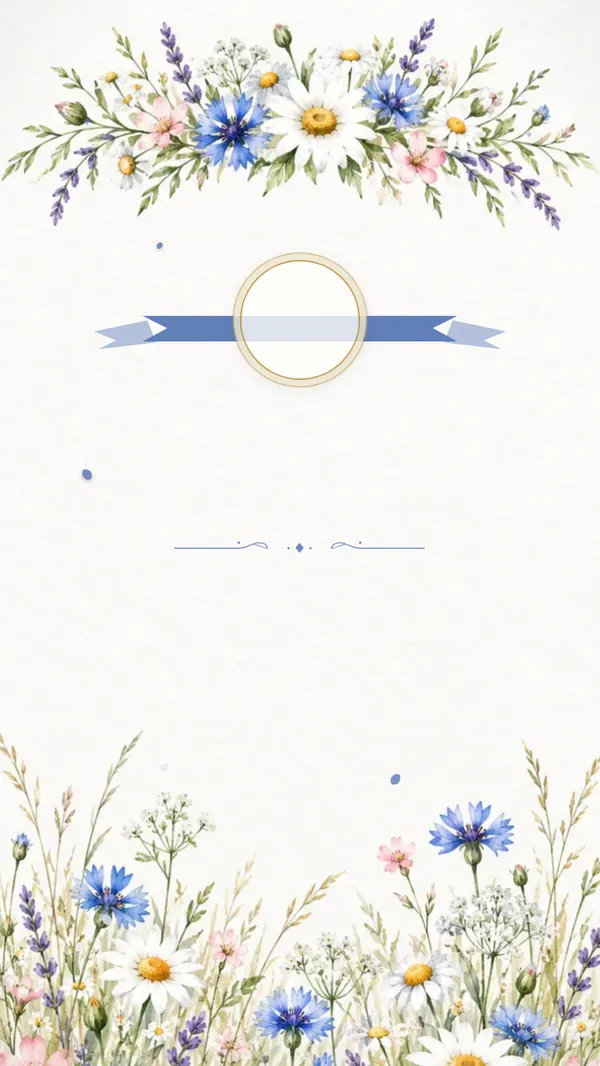
Wildflower crown
A wildflower crown of daisies, cornflowers and lavender. Joyful and springlike.
See the demo - Envelope

Nautical
Navy and white, a gold anchor and a laurel wreath. Elegant, opens with an envelope.
See the demo
How it works
- 1
Set up the invitation
Choose a theme, add the date, Mass time, church and reception venue. You can also add the Confirmation sponsor — the name appears under the greeting.
- 2
Send it as one link
To grandparents, the sponsor, relatives across the country. Everyone opens it on their phone, sees the time and the map, and RSVPs by name in one tap.
- 3
After the day, the photos stay
The same link and QR code collect your guests' photos and videos. Download everything as one archive afterwards; the gallery stays open for a year from the Confirmation.
An invitation you scroll through
Several screens instead of a single card: guests scroll with a finger and each screen reveals itself with its own watercolor. The Mass time and the reception address are right where people look for them.

Countdown
How many days are left until the Confirmation. The counter runs by itself, so nobody has to ask for the date.

Church and reception
Mass time, reception address and two maps. Nobody calls to ask where to go after the ceremony.

RSVP
Guests type their name and confirm. The guest list builds itself and the venue gets an exact head count.
What's included
Interactive invitation
A scrolling page with watercolor artwork, the Mass time, the reception address and a map. The sponsor's name can go right under the greeting.
RSVPs by name
Guests confirm in the same place they read the invitation. The list is always up to date, no counting heads over the phone.
Photo and video gallery
Everything guests captured in church and at the table, in one gallery and in original quality. Download it all as one archive.
Voice and video wishes
The sponsor, grandma or an uncle record a few words on their phone. A keepsake to listen to again in a few years.
Time capsule
Guests leave a letter and choose when it opens, for example on an 18th birthday. At the latest one year after the Confirmation.
Slideshow at the reception
Guests' photos appear on the TV at the venue seconds after they're taken. Everyone looks for themselves on screen.
A photo or just an initial
The medallion can show a photo of the confirmand or simply the initial of their name. You can change it in your dashboard even after sending the link.
New
New for Confirmations
The features parents asked us for most. All included in the same one-time package price.
Quiz about the confirmand
“How well do you know the guest of honor?” Add up to 10 questions or pick ready-made ones, and guests play from their phones, no account or app needed. The leaderboard shows on their phones and on the TV at the party.
QR favor tags
Favor tags with the name, the date and a QR code to the shared photo gallery. Print them at home on A4: round or rectangular, with cut lines and a ribbon hole.
Audio guest book
Keep the sponsor's voice, Grandma's and the godparents' forever. Guests record short wishes right from their phone, with no app or login, and you can play them and download them all at once.
Group gift with a progress bar
The sponsor, godparents and family can pool together for one bigger gift, a laptop for example. Guests see a “pledged X of Y” bar, pledge an amount with one tap and then see your bank details or PayPal link. The page never handles money: it goes directly to you.
WhatsApp reminders
One tap next to a family that hasn't replied, and WhatsApp opens with a friendly ready-made reminder and their personal link. All you do is press Send.
Try it as a guest
Before you pay, walk in your guests' shoes: open the invitation, RSVP and add a photo. It's just a trial and nothing is saved. You'll see that even the grandparents can do it.
What you see once guests have the link
Replies gather into one list with the number of adults and children — ready for the restaurant. After the day, photos and recordings from the family land in one gallery.
Example with sample data
RSVPs
58
confirmed guests
14
of them children
5
still to reply
- Coming
Grandma Ellie & Grandpa John
2 adults
- Coming
Godparents Anna & Peter
2 adults, 1 child
- Coming
Aunt Martha & family
2 adults, 2 children
- Waiting
Uncle Tom
—
Guest gallery
687
photos
41
videos
22
recorded wishes
Photos and videos in original quality, downloadable as one ZIP file.
One price for the whole celebration
$45
You pay once, when the invitation is ready to send. No subscription, no extras.
- Invitation, gallery and wishes under one QR code
- Ready-made invitation image to share on WhatsApp
- Mass time, reception with a map and the sponsor on the invitation
- RSVPs by name and personal links for guests
- Voice and video messages from guests
- Unlimited photos and videos, all downloadable for a year
- Time capsule and slideshow
Frequently asked questions
When should we send a Confirmation invitation?
Usually 3–5 weeks before, once the parish has confirmed the date and time of the Mass with the bishop. Share the link on WhatsApp, by text or by email.
Can the sponsor be named on the invitation?
Yes. There's a field for the Confirmation sponsor in the dashboard; the name appears under the greeting. Leave it empty if you'd rather not mention it.
Do the parents write it, or the confirmand?
Whichever you prefer. The ready-made texts are written on behalf of the parents or in a neutral voice, and you can edit every word. We only use gendered words if you choose them.
Will grandparents manage?
There's nothing to install. They open the link or point the camera at the QR code and the page opens. Sending a photo works just like in a chat.
How long do we keep the photos and messages?
One year from the Confirmation day, not from the purchase. During that time you can download single photos or the whole gallery as one archive.
Can we print the invitation with a QR code?
Yes. You get a print-quality QR code, so older guests can receive a paper card that leads to the same link.
Is there a quiz about the confirmand for the guests?
Yes. You add up to 10 multiple-choice questions or take ready-made suggestions that are safe for a teenager too: favorite color, food, season. Guests play from their phones under their own name, without an account, and the leaderboard shows on their phones and on the TV at the party. You can also leave the quiz switched off.
Can I make QR favor tags for the Confirmation?
Yes. In your dashboard you create favor tags with the name, the date and a QR code to the photo gallery: round (5 cm) or rectangular (4 × 7 cm), several per A4 sheet, with cut lines and a ribbon-hole mark. You print them at home. The code works once the package is active, and guests can come back to the photos after the day.
A younger sibling is making their First Communion. Can we do that too?
Yes, First Communion has its own page and themes, including the chalice and host. It works the same way: invitation, RSVPs and gallery under one link.