




Wedding day director
Short missions appear between courses and during toasts — never interrupting the ceremony.
Find the person who's known the couple longest
Take a photo during the toast
Capture the first dance
Most wedding photo apps look identical on their homepage: a QR code, guest photos, pretty screenshots. The differences only surface on the wedding day and the week after. Here are nine questions worth asking any provider — with our own answer to each.
A card for the guest tables
You download the finished card from your dashboard and print it — a guest scans it with their phone camera and uploads straight away. No app, no account, no retyping a link.
Every line on the card is yours: the heading, the line under it, the request to your guests, the footer and the table number or name. You rewrite them all in the dashboard and see the result instantly — nothing is fixed.
Test your own QR codeShare the
moment
Scan the code and send us your photos and videos from the wedding.
Your shots become part of our story.
www.myweddingmemories.org
Golden garden
Warm watercolour and leaves
The cards change on their own — click a card, use the arrows or swipe.
Simple, fast, ready for the big day
Create your wedding page in minutes and put the QR code on tables, invitations or a welcome sign.
No app, no account. Guests snap photos and videos and upload them straight from their phone browser.
Watch photos appear live, show them on the venue screen, then download everything in original quality.
✨ Your account, page builder and preview are free. See exactly what your gallery will look like — you pay only when you want to share the QR code with your guests.
Guests scan the QR code at their table and the app guides them through games, missions, photos, messages and memories — no app install needed.
Short missions appear between courses and during toasts — never interrupting the ceremony.
Find the person who's known the couple longest
Take a photo during the toast
Capture the first dance
Tables earn points for missions, photos and messages. The leaderboard runs only during the relaxed moments.
Scan
& create
memories
My Wedding
Memories
Hi there!
Your mission
Capture the first dance
Table leaderboard
Missions activate only at the right moments
We never interrupt the most important parts of the day. We focus on what happens in between.
Prefer guests playing for themselves? Points go to individuals and the leaderboard shows names instead of table numbers.
Guests leave recordings and wishes sealed until your anniversary. Open them in a year — or any date you choose.
For your anniversary
open in one year
Guests suggest tracks from their phones and your DJ sees the list live in a dedicated panel. The dance floor fills itself.
Instead of a signature in a guest book you keep a recording with their voice and their emotion. Play it back whenever you like.
“I still remember your first trip together — here's to a lifetime of moments just like it…”
Photos, videos, wishes and missions land in one private gallery. No WhatsApp chaos.


Instead of a picture with a date: the curtain parts, a wax seal with your initials cracks open, and below it the ceremony, reception and countdown scroll past. Same link and QR code as the plain invitation — you switch versions in your panel.
Interactive wedding invitation
A guest taps the screen and the wheel lands on a scene to act out. Every meme comes up exactly once — a new round starts only when the pool runs dry.
Wedding gallery inspiration
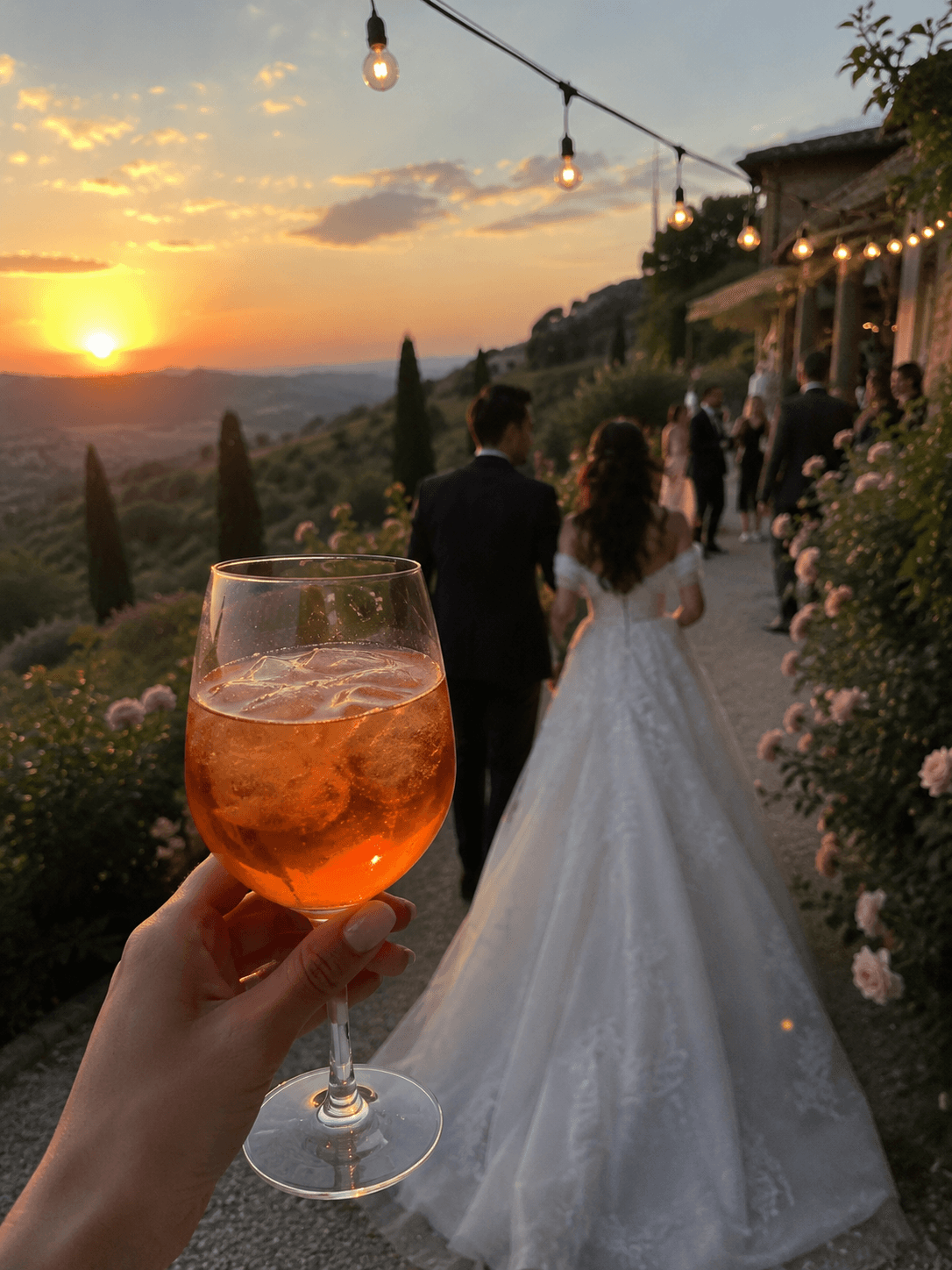
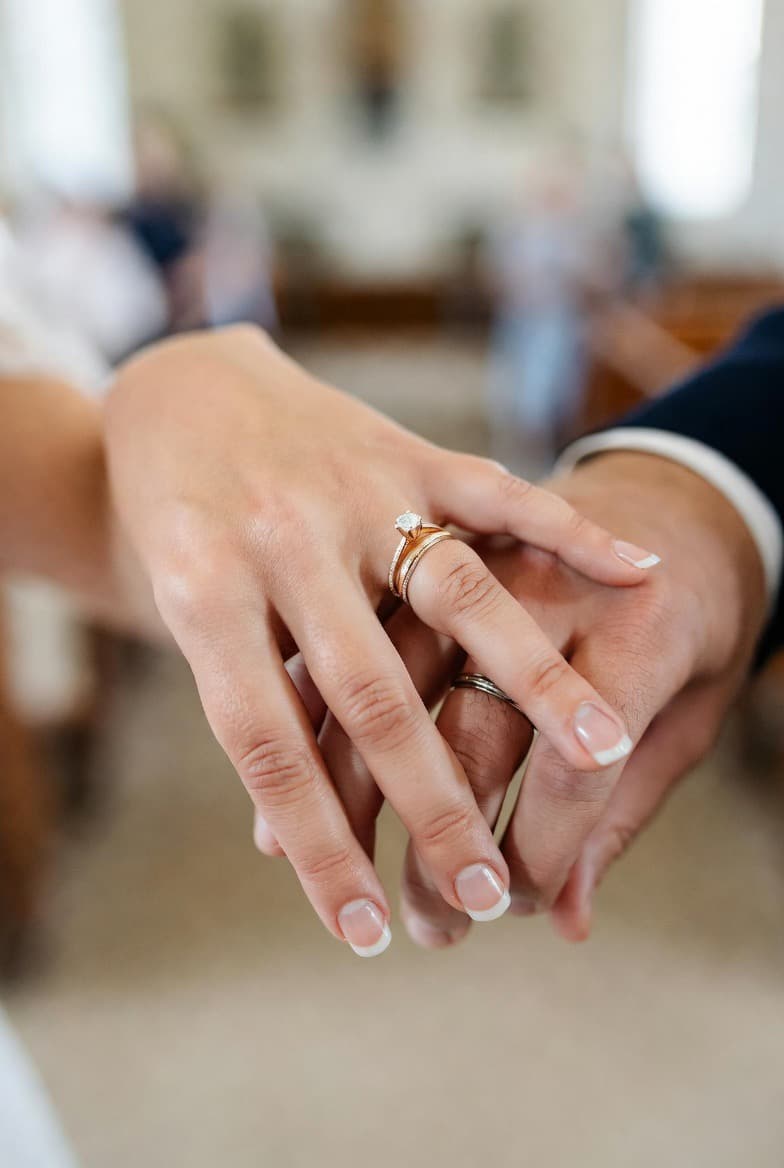

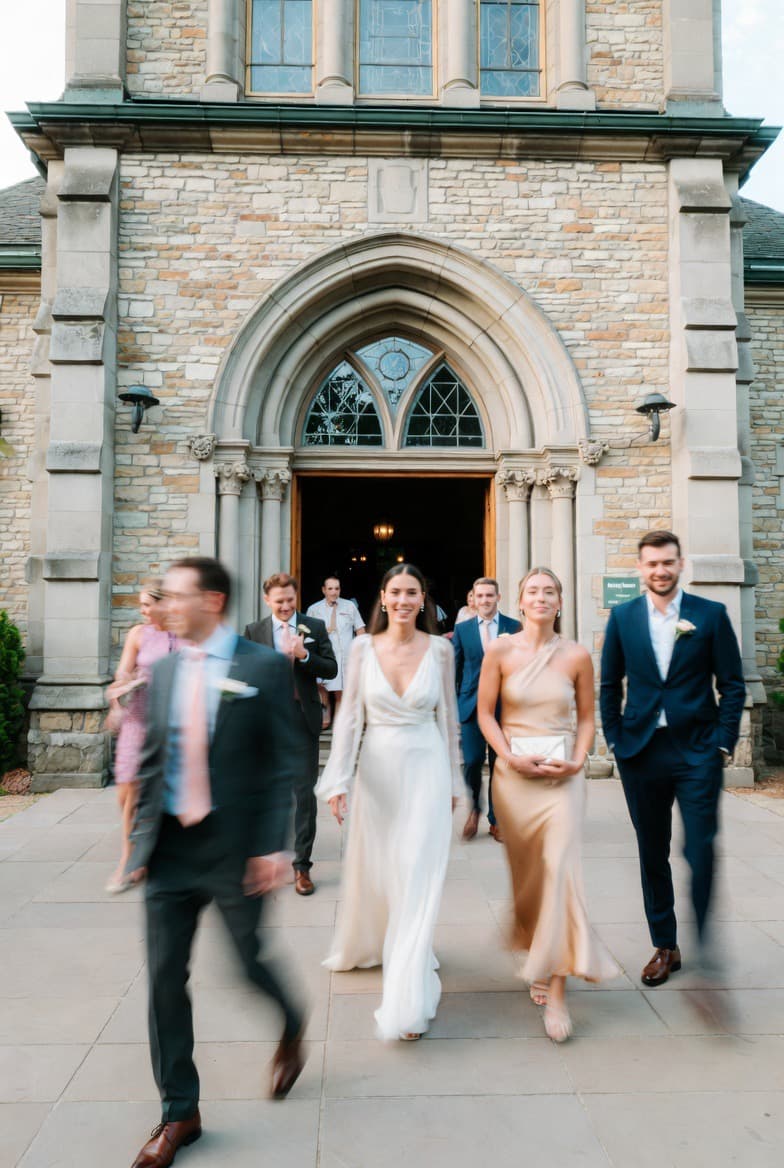
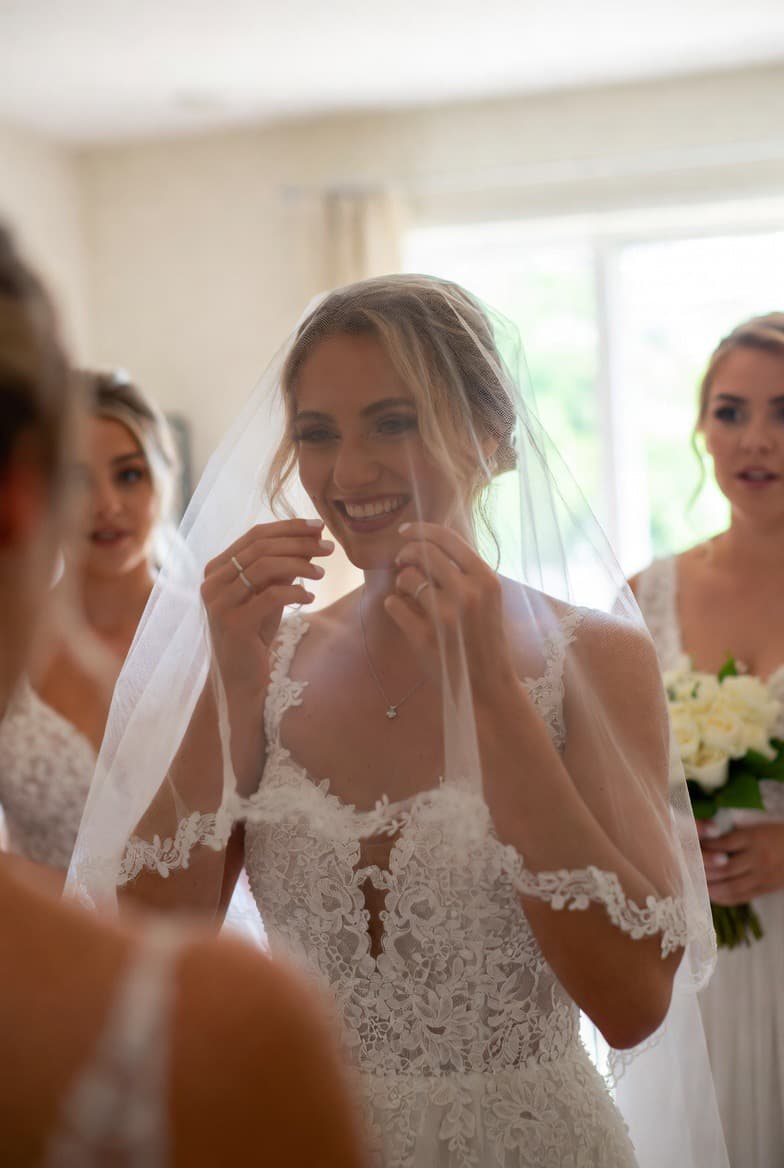
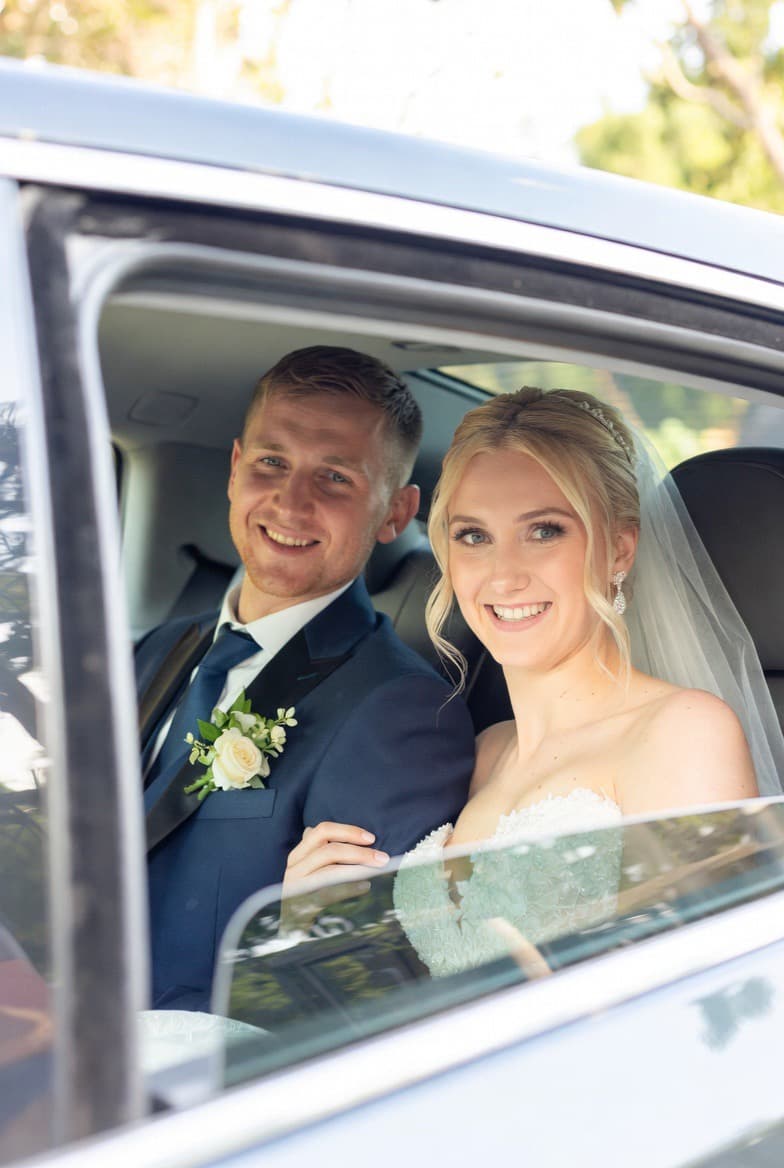
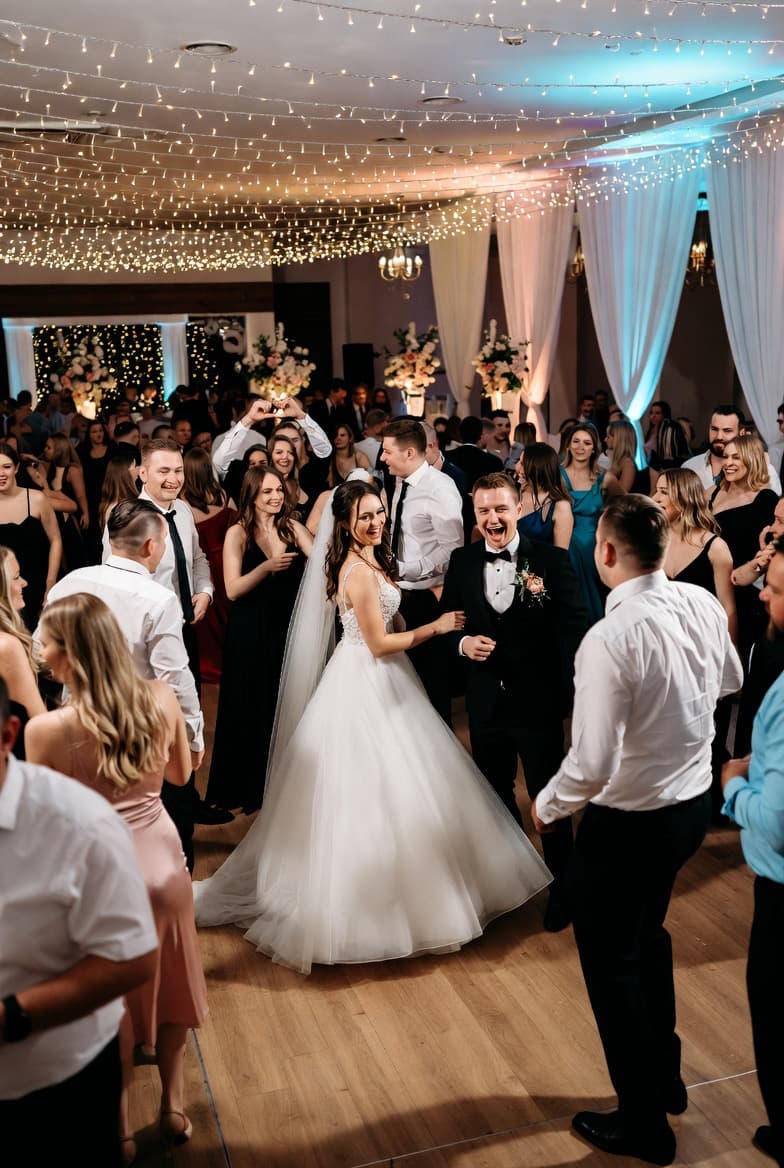
See it live
Two links, two pages: the invitation your guest opens before the wedding, and the guest page they upload photos to during it. Both are live below — tap to open the full demo.
Open the live demoThis one decides the most. Every install is a point where half the room drops out — especially older guests and anyone whose phone storage is nearly full. Check whether the gallery opens in a browser. Ours does: scan, type a first name, upload. No app, no account, no password.
Messaging apps and some galleries shrink files to save space. You will only notice when you try to print or crop. Ask specifically about "original quality". With us, files stay exactly as they left the phone.
A common catch: the gallery runs for 30 days, then you pay again or the files disappear. Ask what happens when the period ends and whether you get a warning first. Ours: 12 months of access, email reminders before it ends, and a one-click ZIP of everything.
A gallery that makes you click each photo individually is, in practice, a gallery with no download — nobody clicks through eight hundred files. Insist on a single-click archive.
Ask whether the gallery is public, whether access needs a key, and whether your wedding page can turn up in search results. With us, only someone holding the QR code gets in, and wedding pages are excluded from indexing.
One payment for the whole wedding — no subscription.
Start for freeThe worst possible moment for a limit warning. Check whether you can see usage live and whether the plan can be upgraded without interrupting anything. Both work with us, and everything already uploaded stays untouched.
Someone will upload a bad shot and want it gone. Without a way to do that, they have to ask the couple mid-reception. With us, a guest can delete their own upload for several minutes afterwards; later the couple removes it from the dashboard.
Some services are only a gallery. If you want something that keeps guests engaged, check what is included: song requests for the DJ, photo missions, a time capsule for your anniversary, the day's timeline and menu on the guest page. Those are what bring guests back to the page all evening.
Never buy a gallery you have not seen working. Build the page, look at it on a phone, scan your own QR code — then pay. With us the whole setup is free; payment comes only when you open the page to guests.
A table naming competitors and their prices. Those go stale within a season, and a comparison built on outdated figures is worse than none — including for you, since you would be deciding on something that stopped being true. Every question above can be put to any provider and checked yourself, on their site and in their terms.
Start with effortless photo and video sharing, then add the features that fit your celebration.
All the moments you'd never see otherwise — collected automatically in one private gallery.
Turn guest photos and clips into a punchy Reel for Instagram or a fuller wedding film lasting a few minutes — ready to share without editing software.
Show incoming photos on a big screen at the venue as the party happens.
Guests suggest songs from their phones; your DJ sees the list in a dedicated panel.
Timed photo challenges for guests — "first dance from your table", "selfie with the couple".
Tables compete for the best photos. Guests engaged, gallery full.
A second game alongside the table contest: guests score under their own name and the leaderboard shows names instead of table numbers. The challenges are separate, so one photo scores in one game only — you pick which fits your wedding.
A guest taps the screen and the wheel lands on a scene to act out. Every meme comes up exactly once — a new round starts only when the pool runs dry. You upload the pool yourselves, and guest-added memes switch off with one toggle.
On Pro the invitation opens like real stationery: the curtain parts, a wax seal with your initials cracks, and below it the ceremony, reception and countdown scroll past. Guests confirm attendance right there, on the same form as always. The link and QR code stay the same — you only choose which version they see.
Guests leave signed messages and voice notes you'll open on your first anniversary.
An elegant menu card and day-of schedule, right on your guests' phones.
Add a selfie and we automatically find every photo you're in — the matching runs in your browser, your photos are never uploaded.
Guests leave a wish in whichever format they like: a voice message, a note, or a short video for the couple.
The page is not publicly searchable. People with your private link or QR can enter; optional moderation is available.
Generic tools can store files — but your wedding deserves more:
Your guests get one simple place to share, while you keep the full story of your day together. 💙
One payment for your whole wedding. No subscription.
You're not buying blind. Build and preview your entire gallery for free — no card. You pay only when you decide to open it to your guests.
about 15,000 photos · photos & videos
Adds the live venue slideshow and a digital menu card.
about 30,000 photos · photos & videos
The full guest experience: games, DJ requests, time capsule.
One-time payment — not a subscription. Activates automatically after checkout. Cards and supported digital wallets where available.
Every plan includes original-quality photos and videos with 12 months of access after the wedding.
It depends on what matters to you. Three questions usually settle it: does a guest have to install anything, do photos keep original quality, and how long do you keep access afterwards. You can check all three with any provider before buying.
With us, no — the gallery opens in the phone's browser after scanning the QR code. Check this explicitly elsewhere, because some services still require an install despite advertising "no app".
Current plan prices are on our pricing section. Building the page and gallery is free — you pay only when you open it to guests.
Not with us — files keep original quality. It is worth checking with any provider, since compression is invisible on a phone screen and only shows up in print.
You keep access for 12 months and can download everything as a single ZIP archive. We email a reminder before the period ends.
A wedding page with a QR code — guests upload photos and videos with no app.
Start for freeThat is not all
This page covers a single topic. The home page has it all in one place: the photo and video gallery, games for your guests, the guest book, the interactive invitation and the full pricing table.
Go to the home pageRead the guide: Best Wedding Photo Sharing Apps in 2026 — 9 Options Compared.
Follow us on Instagram
Instagram@myweddingmemories.app Photographer's photos in a separate tab — from Google Drive or uploaded here